
Access, messages and overview directly from your phone
WelcomeBob brings your door intercom to your phone. Receive video calls in the iOS and Android app, see and speak with visitors, and open the door when the connection allows it.

The product in use
Easy access. High security. In one app.
See who's at the door, open it and communicate – simple and unified.
01 / 07
Welcome
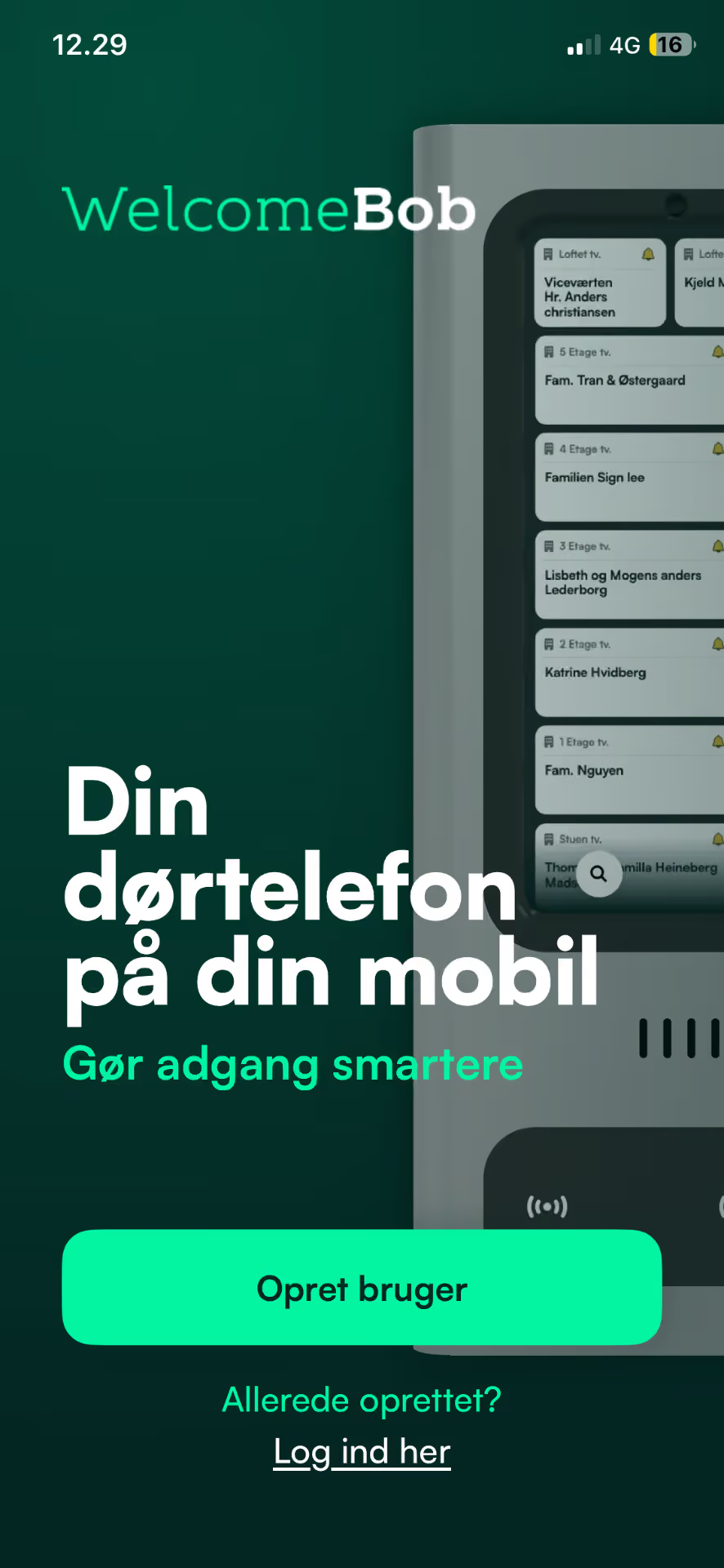
Create your account in moments and get secure access to the property directly from your phone.
Read more
02 / 07
Receive calls
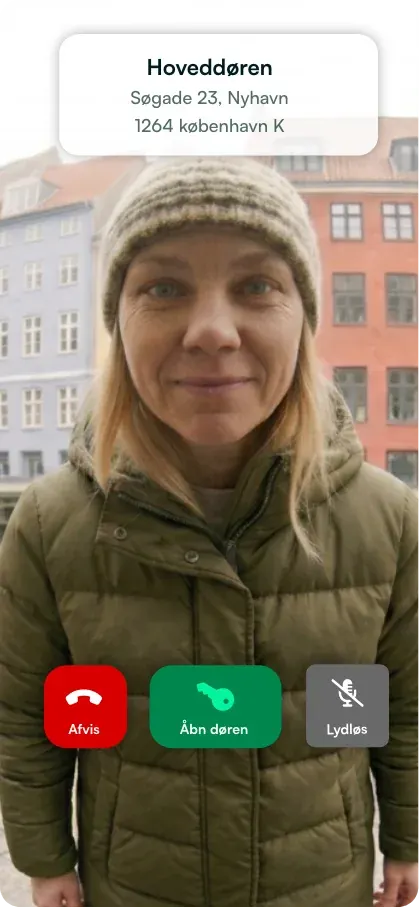
See live video of who's at the door, right from your lock screen. One tap on the green button opens it.
Read more
03 / 07
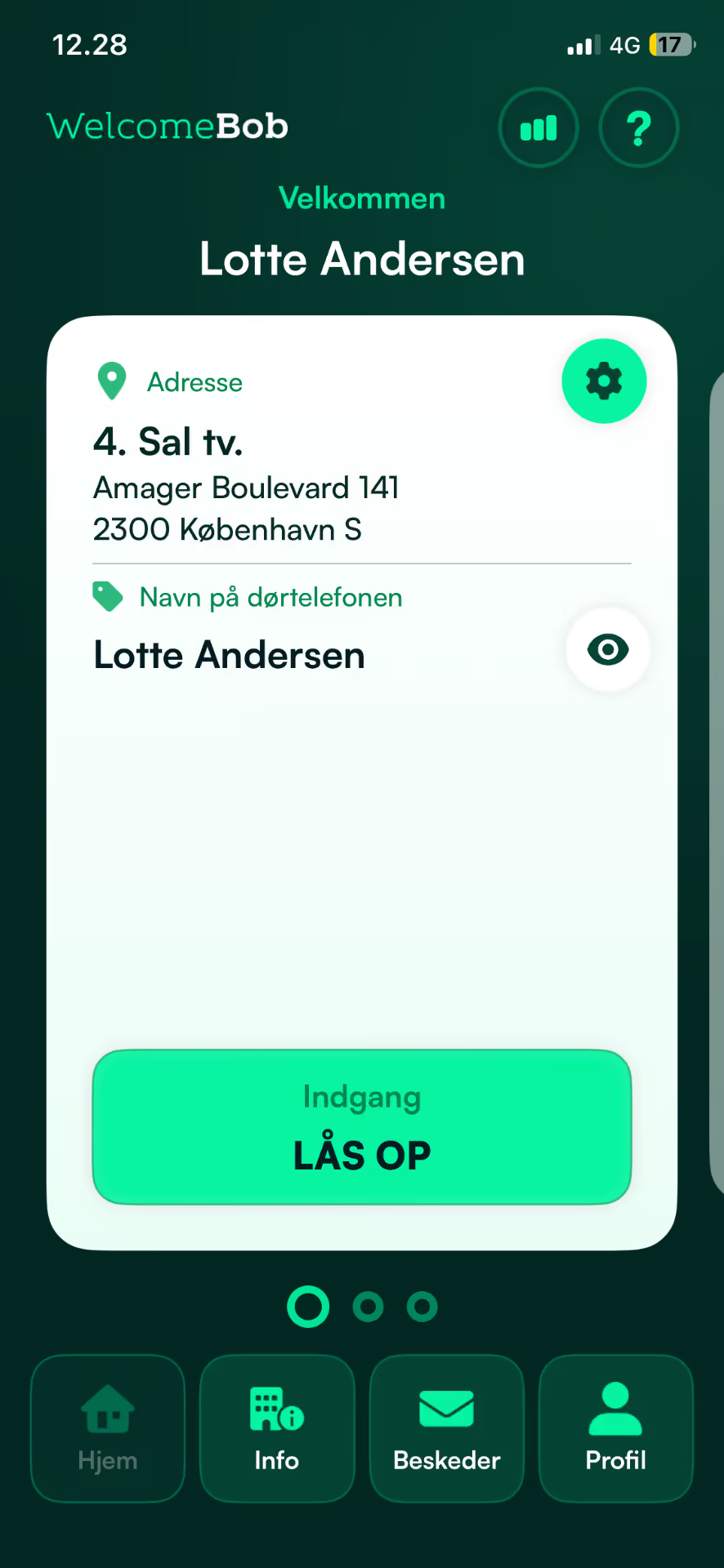
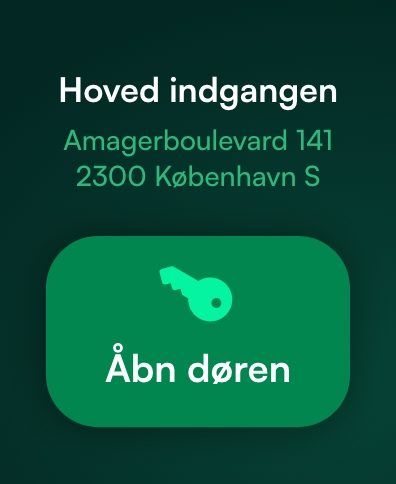
Unlock with one tap
Choose your address and open the entrance with one tap – no key, fob or key box needed.
Read more
04 / 07
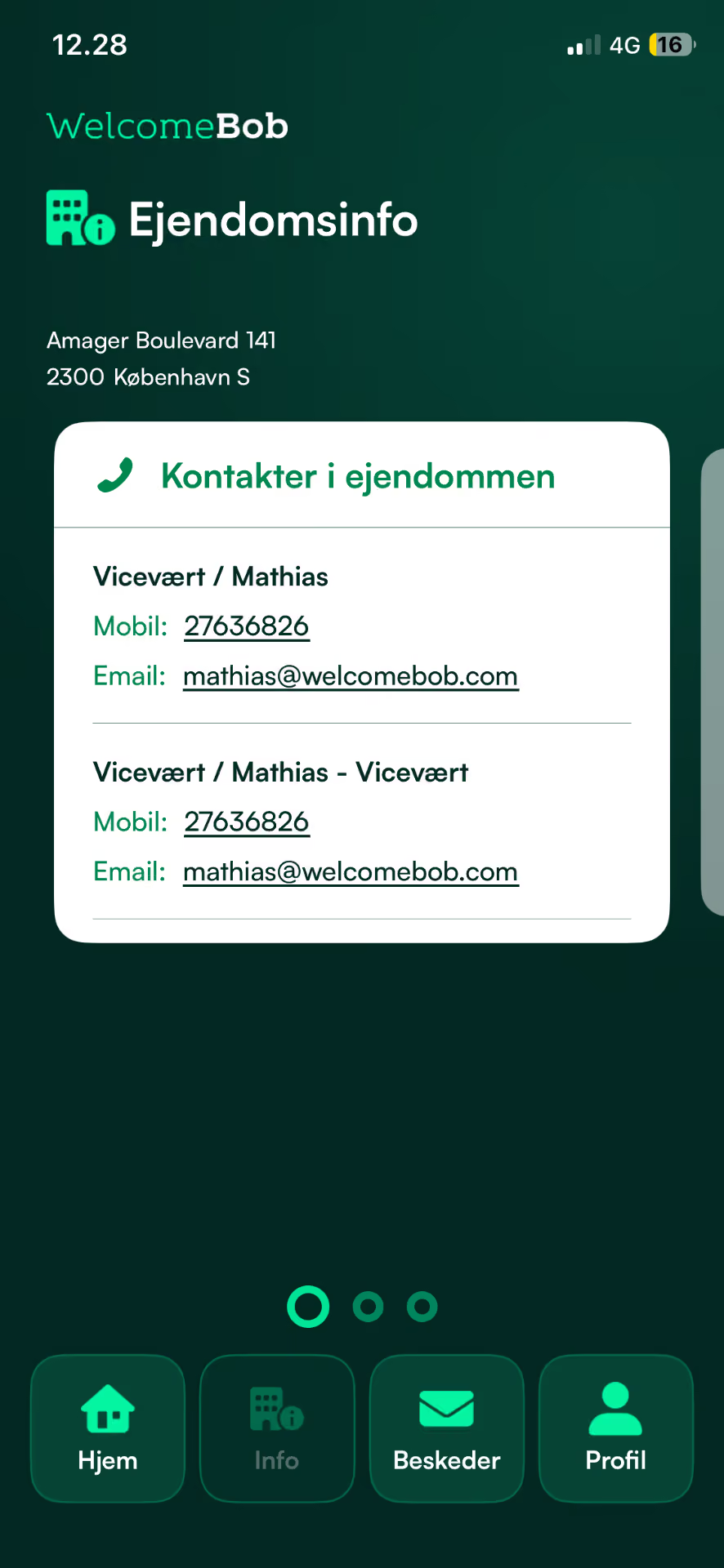
Property info
Find contact details for the caretaker and administration in one place whenever you need help.
Read more
05 / 07
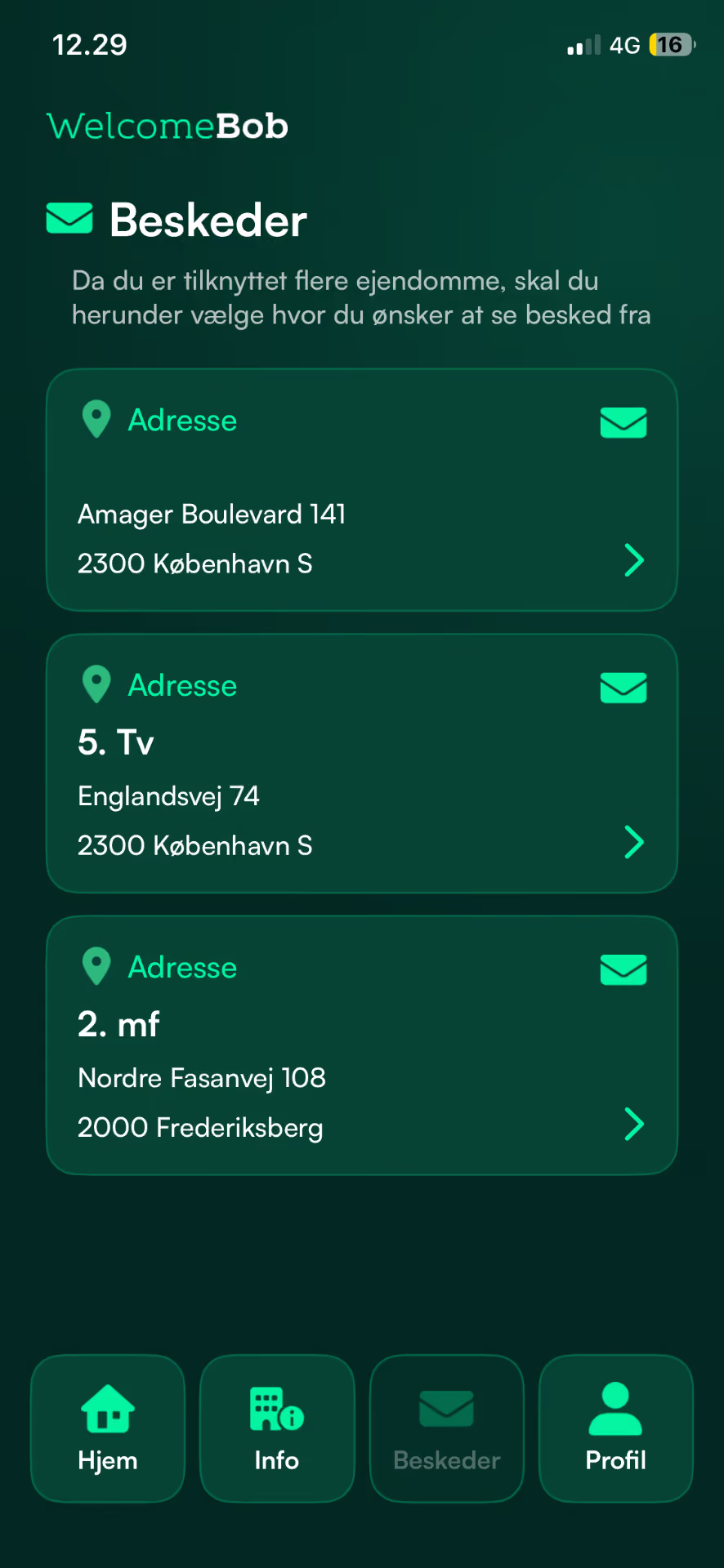
Messages
Receive updates for your property and keep important information organised across your addresses.
Read more
06 / 07
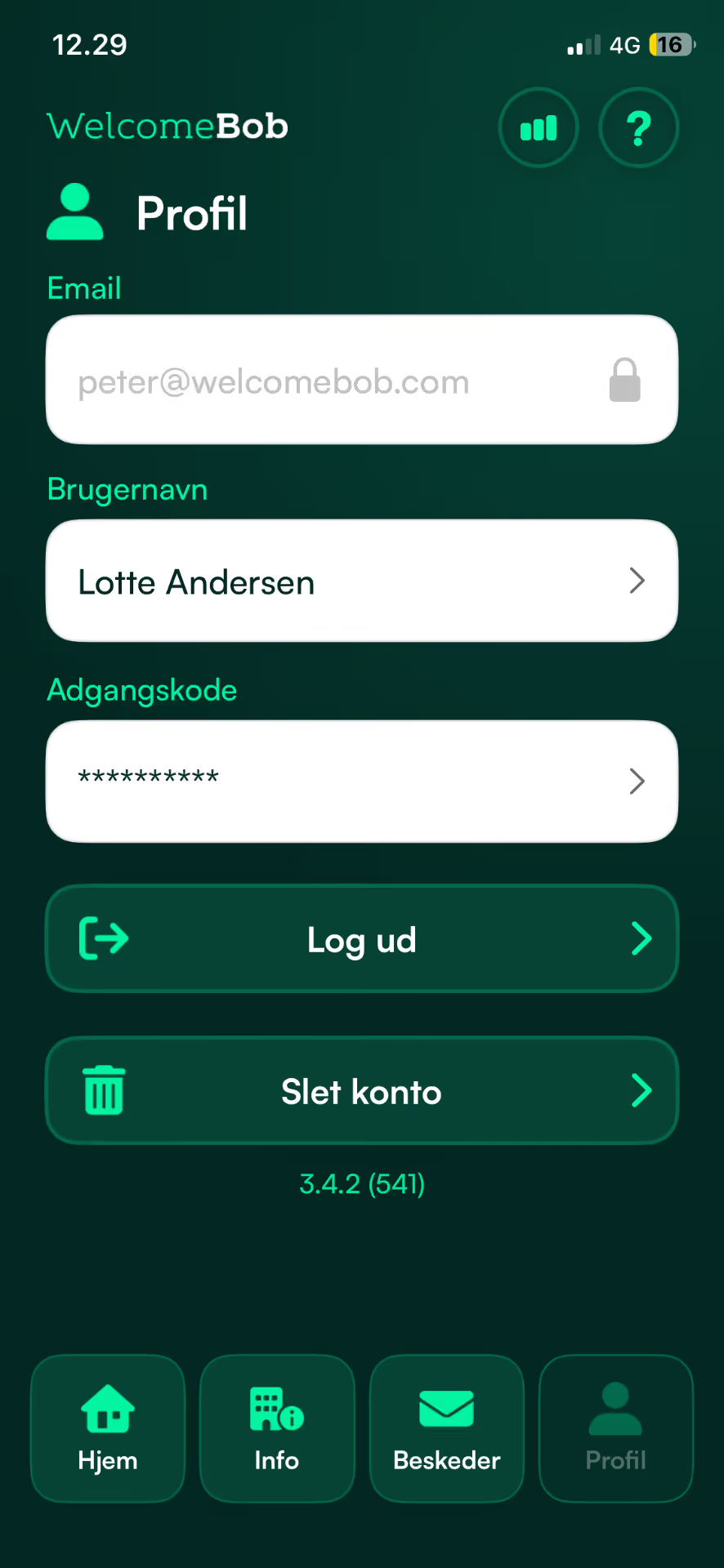
Profile
Manage your details and access, change your password or sign out securely from the app.
Read more
07 / 07
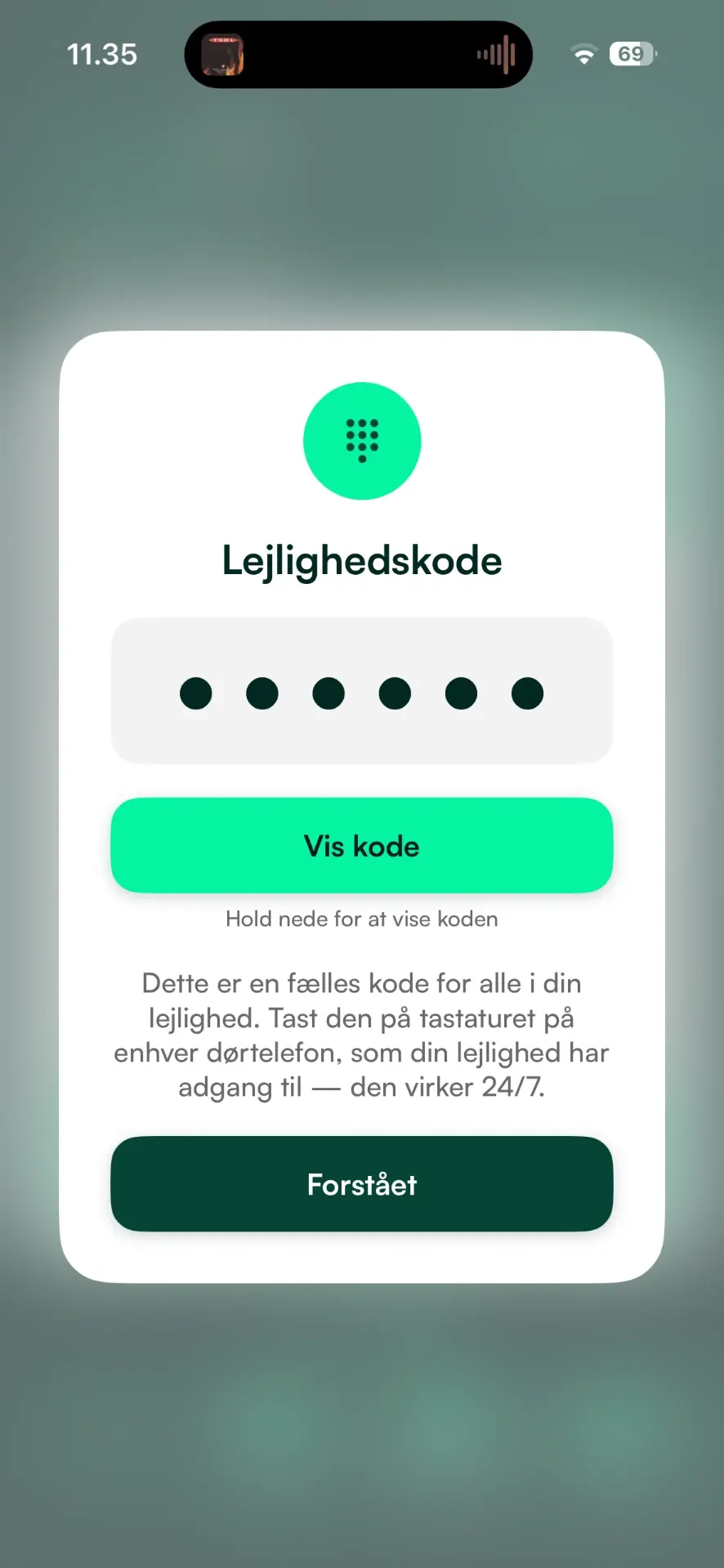
Personal PIN code
Create and share a PIN code easily so you can always get in — even when your phone is in your pocket.
Read more
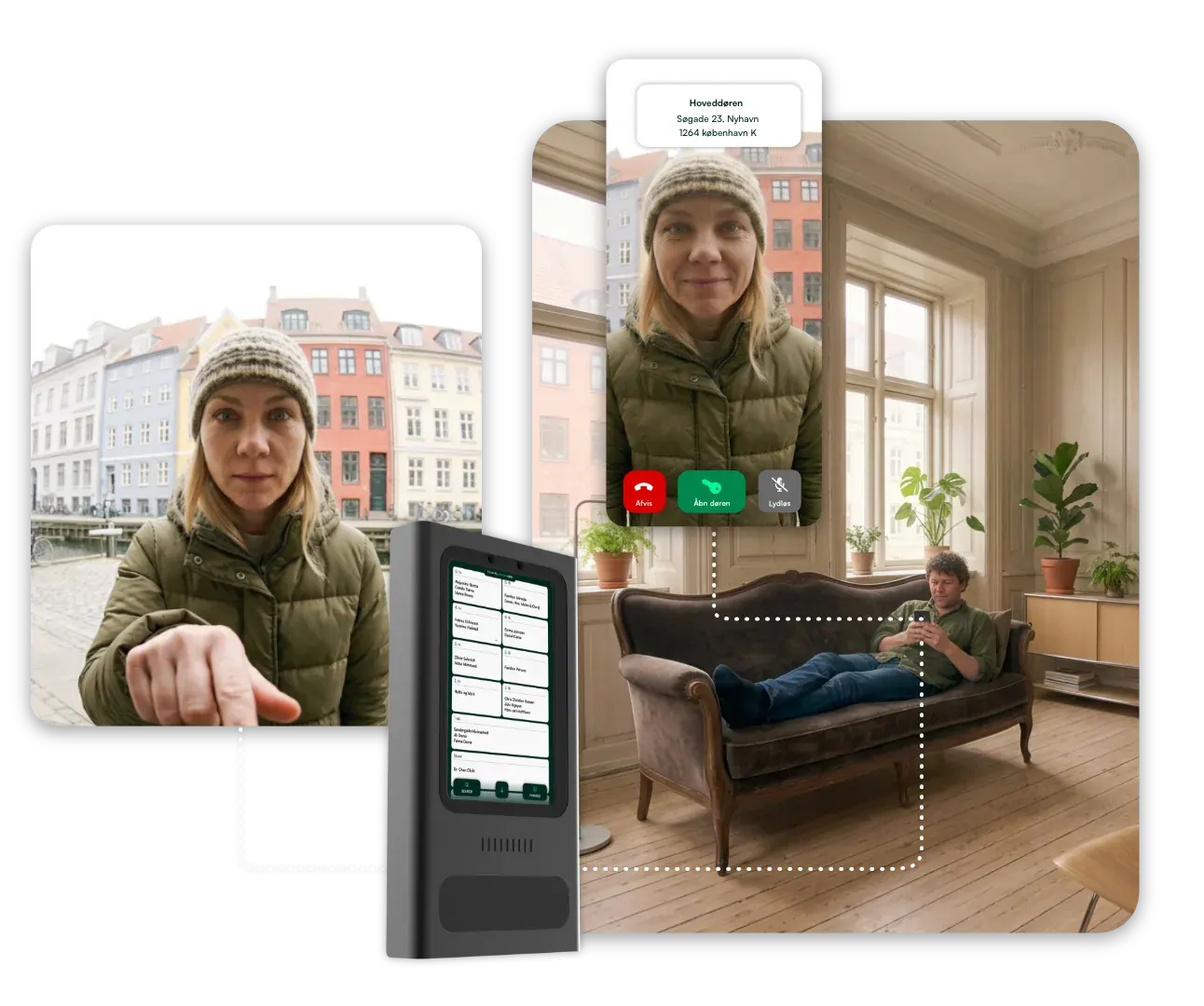
How it works
Three simple steps
Someone rings the bell
Visitors press the doorbell at the main entrance.
You see them in the app
You receive the video call in the app and can see and speak with the visitor.
You open the door
Open the door with one tap in the WelcomeBob app, when the connection allows it.
Giv adgang med WelcomeBob– selv når du er på farten.
VIDEO CALL
See and speak with visitors — even when you're not home
When someone rings the doorbell, you receive a live video call directly in the WelcomeBob app. You can see who is at the door, speak with them, and decide whether to let them in.
You can open the door from your phone, even when you are not home, when the connection allows it. Multiple users can be associated with the same home. Residents without smartphones may have an alternative solution under an agreed setup.
- Live video and audio from the door phone
- Open the door with one tap, anywhere
MESSAGE PLATFORM
Important messages — directly to residents
With WelcomeBob you can gather all building messages in one place and make it easy for residents to stay informed. Share everything from planned maintenance to communal activities — directly in the app residents already use for the building.
A notification alerts residents to a new message. From there they can open WelcomeBob and read it, while everyday information is collected and easy to find.
- Notification for new messages
- All building messages in one place
Access codes
Grant access – without keys or key boxes
With WelcomeBob you can create unique access codes for the building's door intercom directly from the admin area. That means goodbye to ugly key boxes and lending out keys to cleaners, contractors and other visitors.
Create a permanent code that belongs only to your apartment, or a temporary code that expires automatically. Handy if the apartment is rented out for a period, or if guests need access for a party or an event where the code should only work for one evening.
- Permanent apartment code
- Temporary code that expires
The challenge today
Access is still
needlessly complicated
Most properties handle access the way they did 30 years ago. That creates friction – every single day.
Lost keys
Expensive replacements, rekeying and worry every time a key disappears.
Lack of overview
No one knows who comes and goes – or when it actually happens.
Cumbersome access
Guests, contractors and deliveries require physical presence.
Time-consuming operations
Managing users and access eats up unnecessary hours.
The solution
An app that makes access simple
Every challenge from before – solved directly in your pocket.
Solves: Lost keys
The phone is the key
Your phone is the key – no extra fobs or codes. Lose it and you can revoke access from your account in seconds. No locks to rekey.
Solves: Lack of overview
Full overview in real time
See who comes and goes – live notifications and history for every door.
Solves: Cumbersome access
Open the door remotely
Let the postman, guests and contractors in, even when you're not home – as long as your phone has a connection.
Solves: Time-consuming operations
Operations in seconds
Grant, change and revoke access in real time – without paperwork and without lifting a finger.
See how WelcomeBob works for you
On your smartwatch
Control the door — straight from your smartwatch
Open the door straight from your smartwatch with a single tap. Fast, simple and always at hand.
Open the door with one tap
Unlock directly from your wrist.
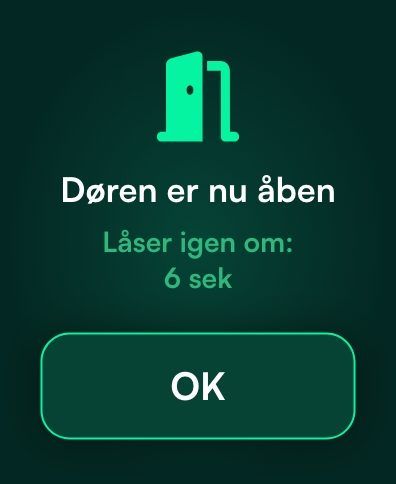
See instantly when the door is open
Clear confirmation every time.
The same secure access as in the app
Encrypted and reliable.
Note: Smartwatch features are currently only supported on Apple Watch.
Customer stories
Hear residents talk about everyday life with WelcomeBob
Short videos from real users – residents, families and boards.
Get the app for free
Open your door with WelcomeBob right from your phone
The app is used together with the WelcomeBob intercom. Have you received an invitation? Download the app and follow the guide to get started. Create your account with the same email address the invitation was sent to. View the getting started guide
Questions & answers
Frequently asked questions
Does the building need Wi-Fi?
No. The WelcomeBob panel has built-in 4G/5G and does not require local Wi-Fi at the entrance. The mobile connection at the installation site is assessed before installation.
Does the app work over mobile data?
The app can be used with Wi-Fi or mobile data. Video calls and door opening require a suitable connection.
Can I open the door when I am not home?
Yes. With access to the property in the WelcomeBob app, you can open the door even when you are not home, when the connection allows it.
What do I do when I change phones?
Download WelcomeBob on the new phone and sign in with the same email address and password. Sign out on the old phone if you no longer use it.
How is access to the property managed?
Users, the name list and access rights are managed in WelcomeBob’s admin panel. Multiple users can be associated with the same home. Residents get started through an invitation and use the same email address as on the invitation.
Make access simple with WelcomeBob