
The new standard for intercom
Video, mobile access and access control in one solution – with built-in 4G/5G and no new intercom cables up to the apartments.

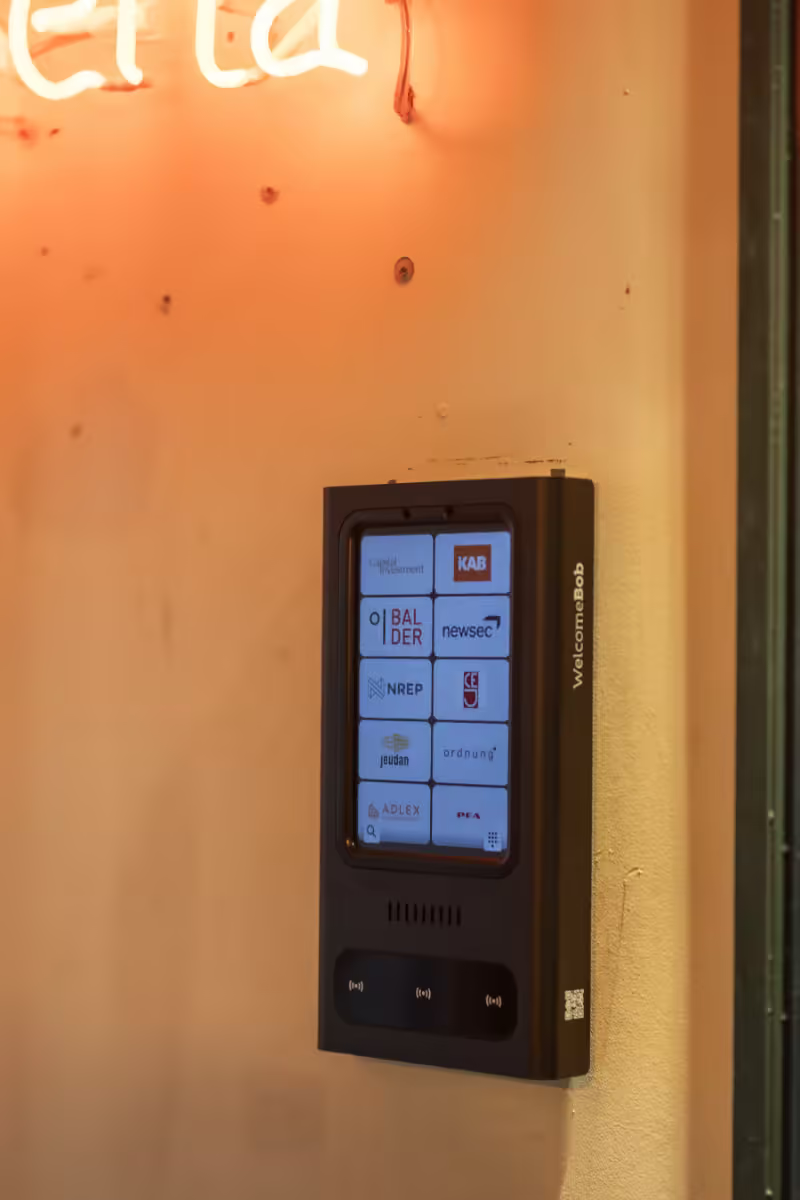

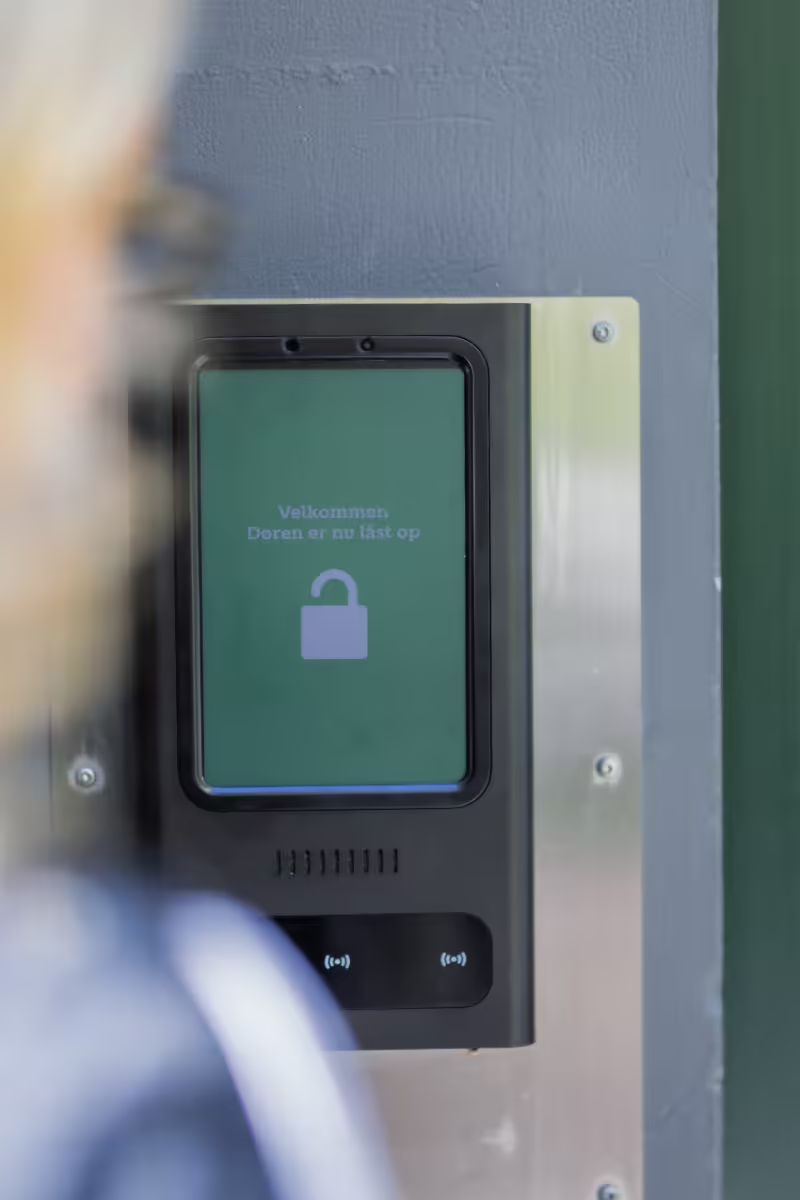
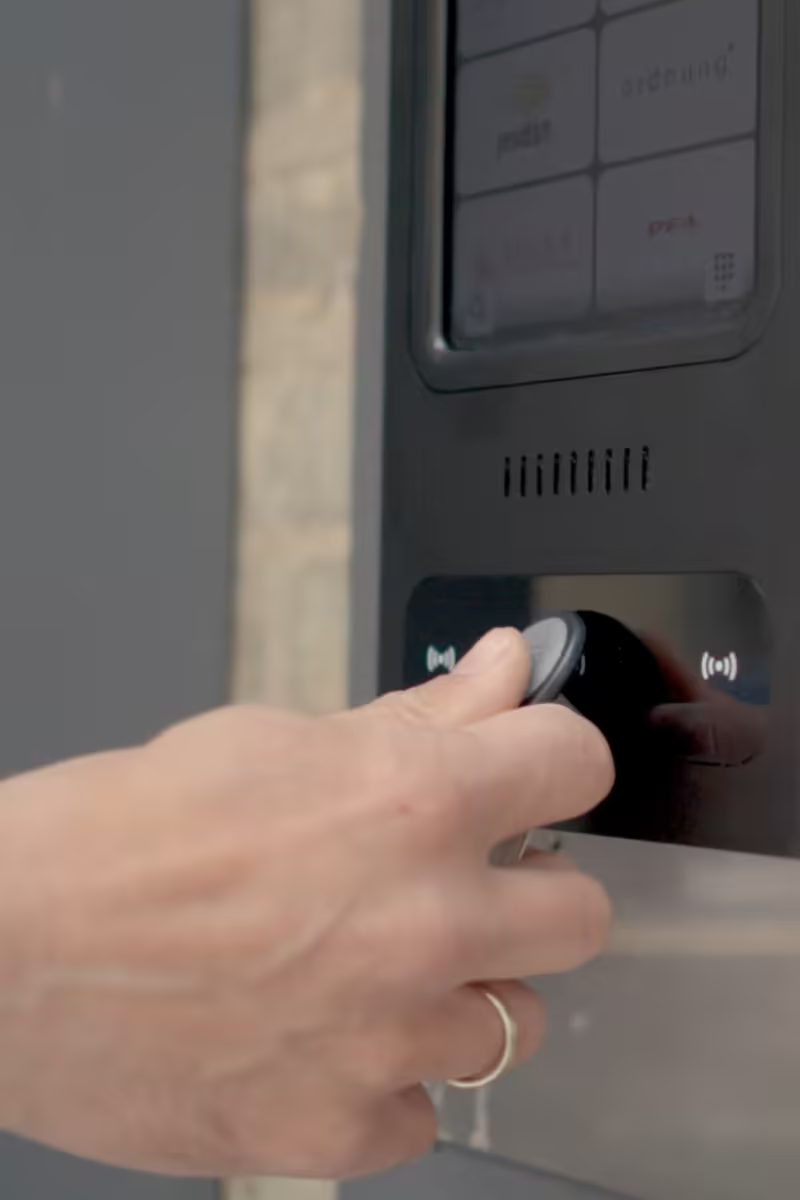
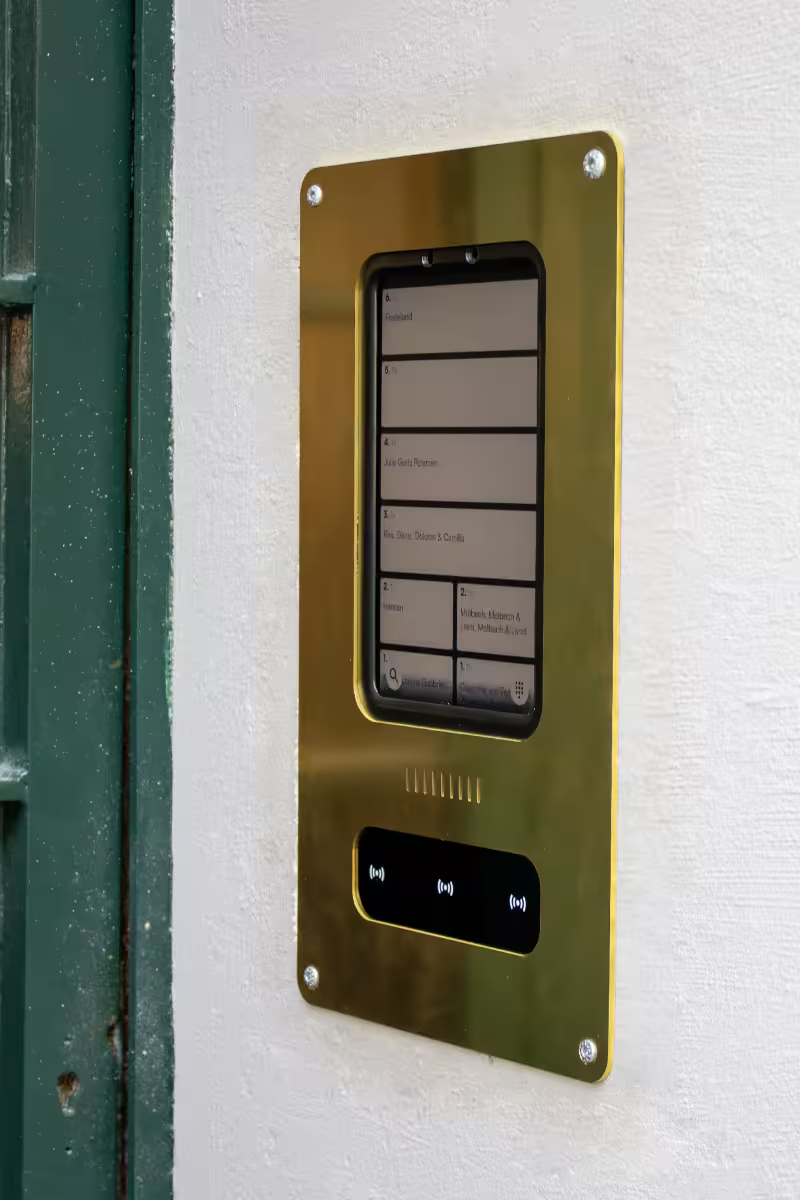
Features in focus.
Eight thoughtful details in a single piece of hardware – from HD camera to chip reader that integrates with your access system.
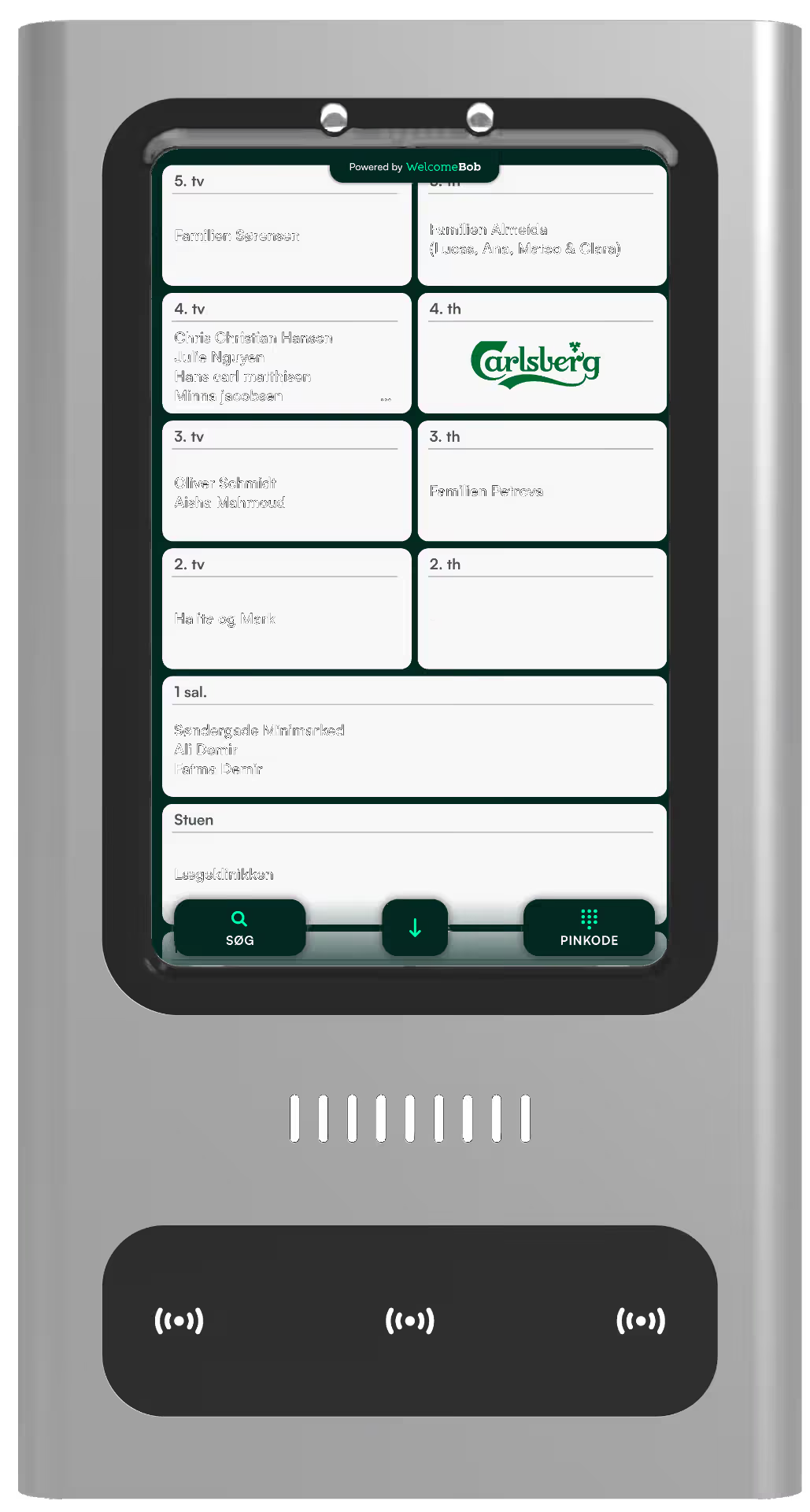
See. Talk. Open.
When someone rings, the user gets a video call on their phone – sees the visitor and opens the door with one tap.
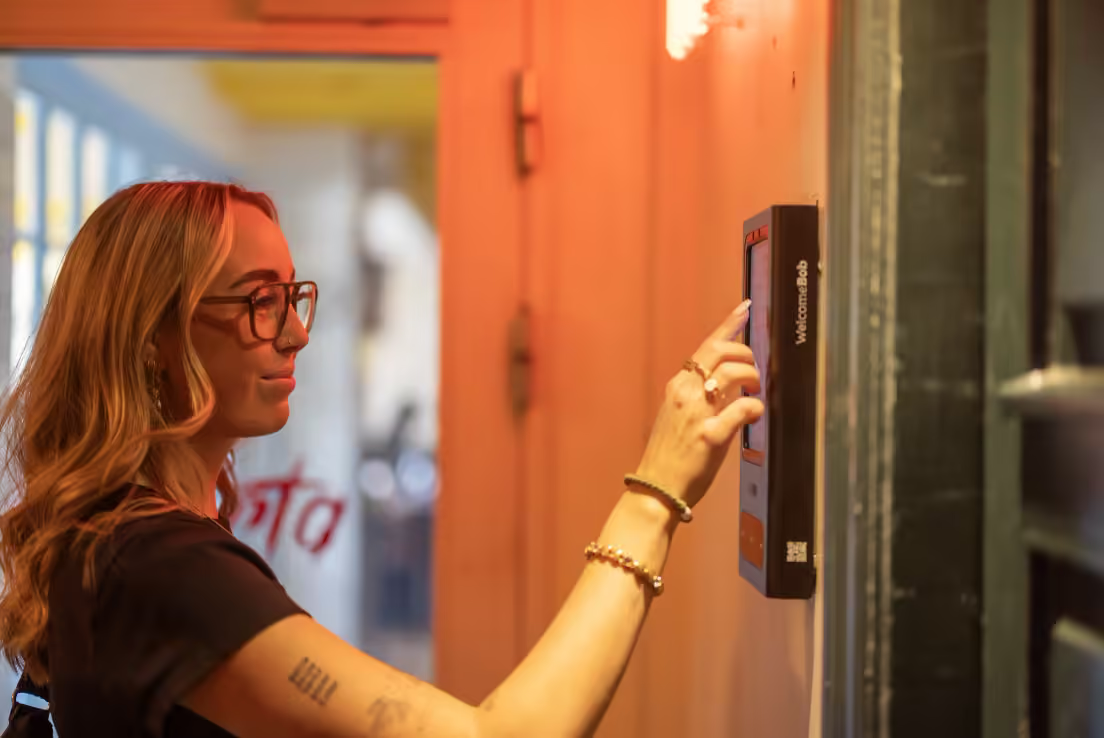
Keep it simple
User-friendly from the first tap – a new, intuitive interface with live video, clear sound and access the moment it rings.
No cables. No mess.
WelcomeBob has built-in 4G/5G and requires 12 V power and connection to the electric lock. New intercom cables to the apartments are normally not needed – also in existing properties.
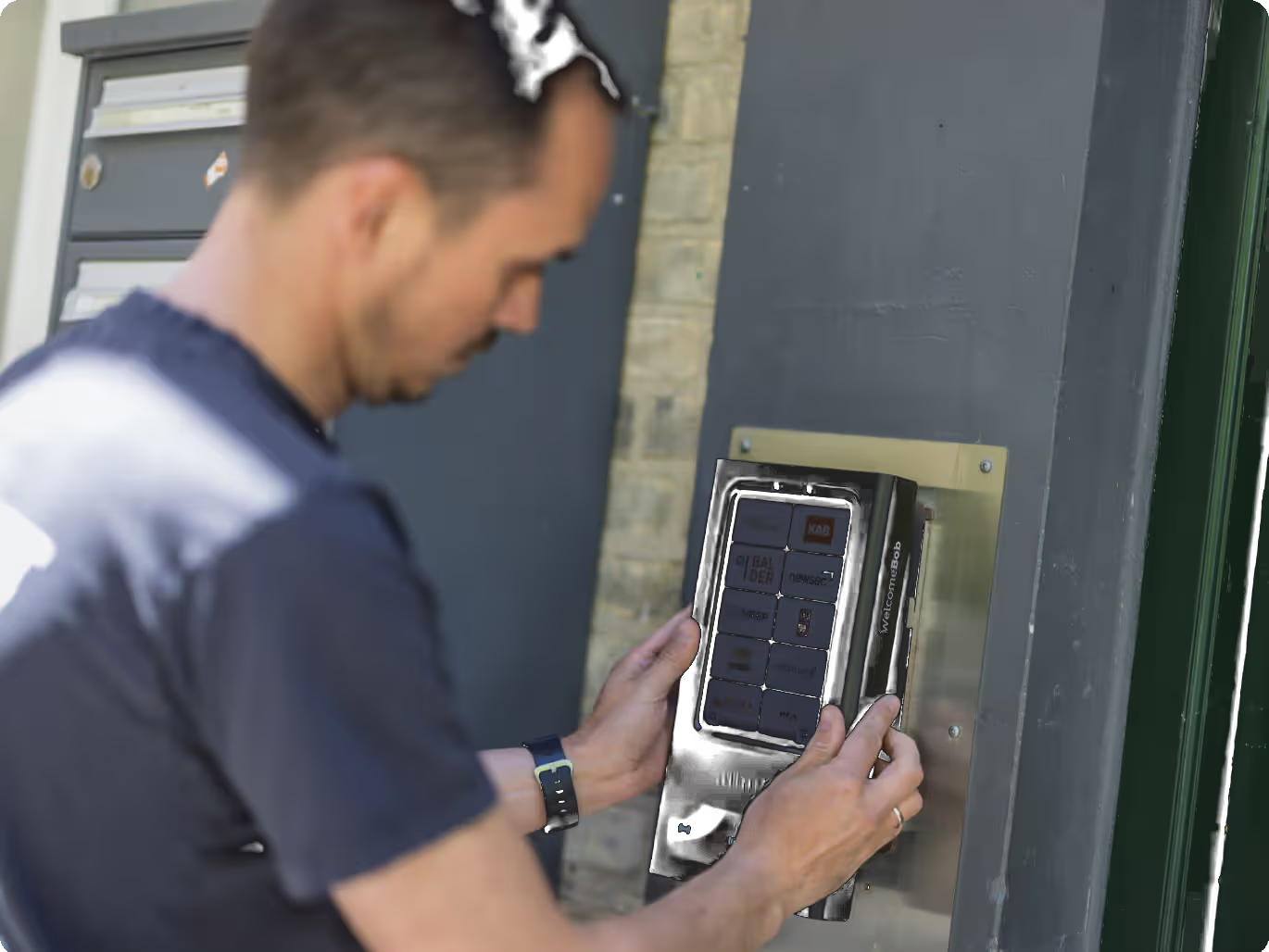
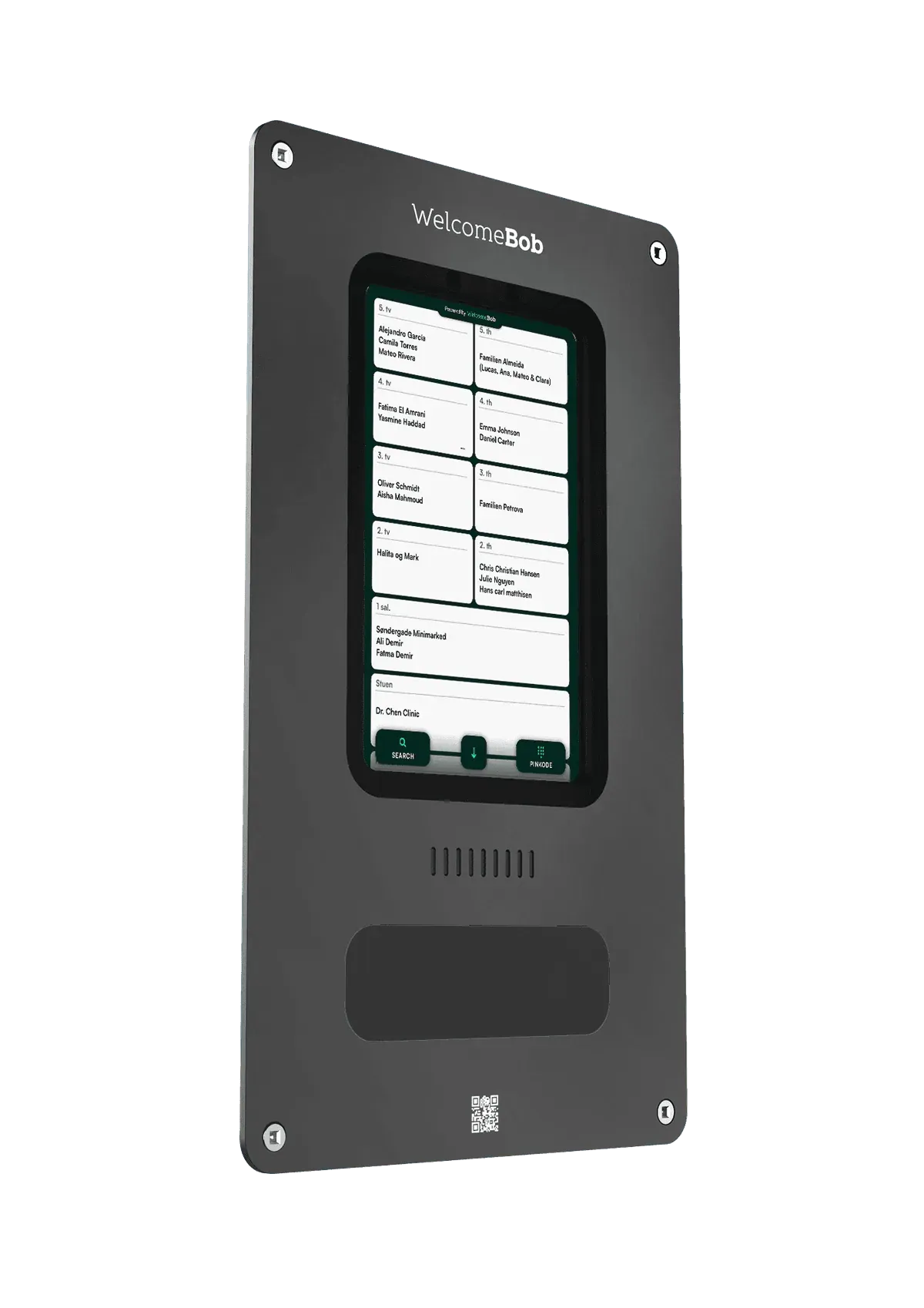
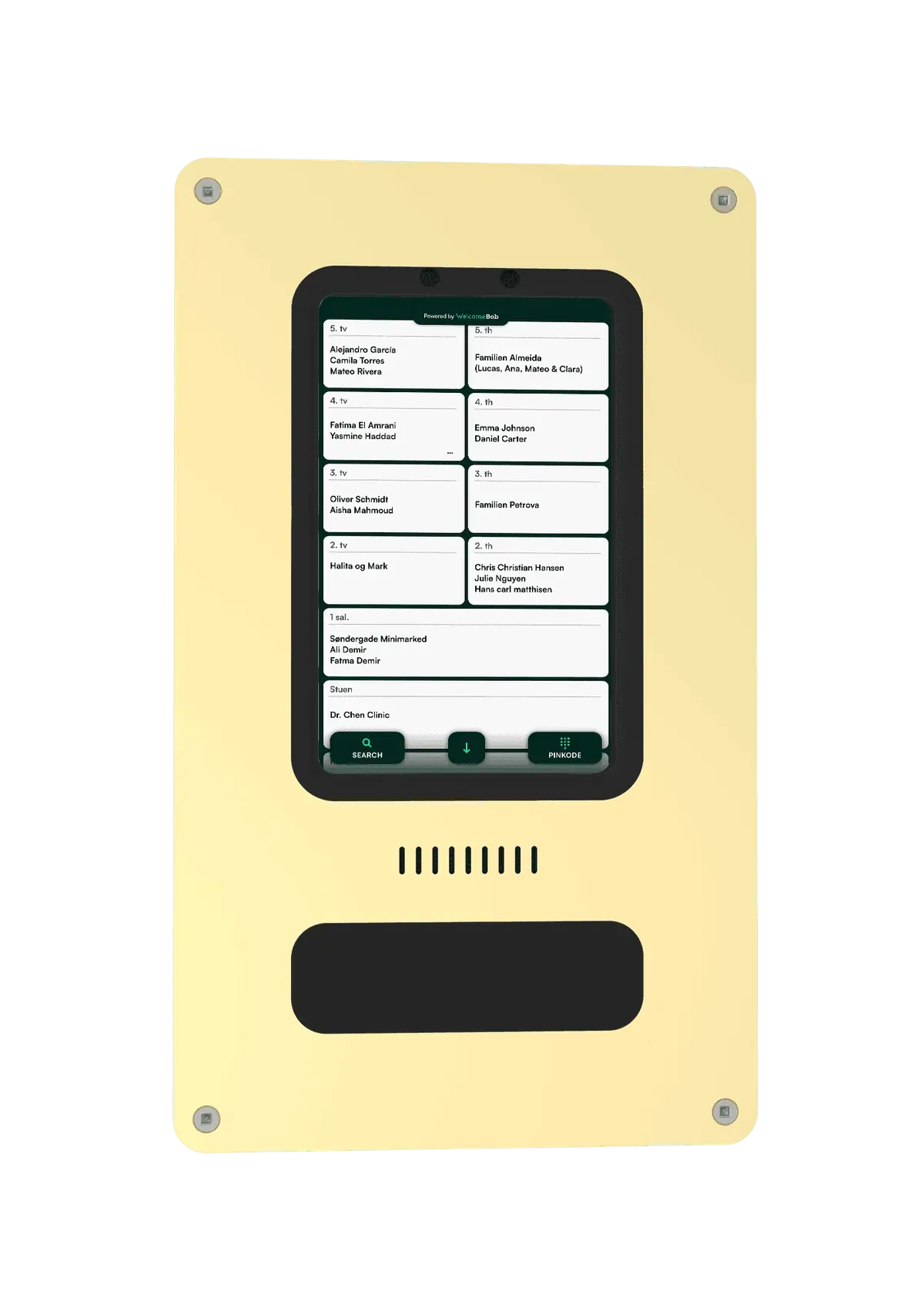
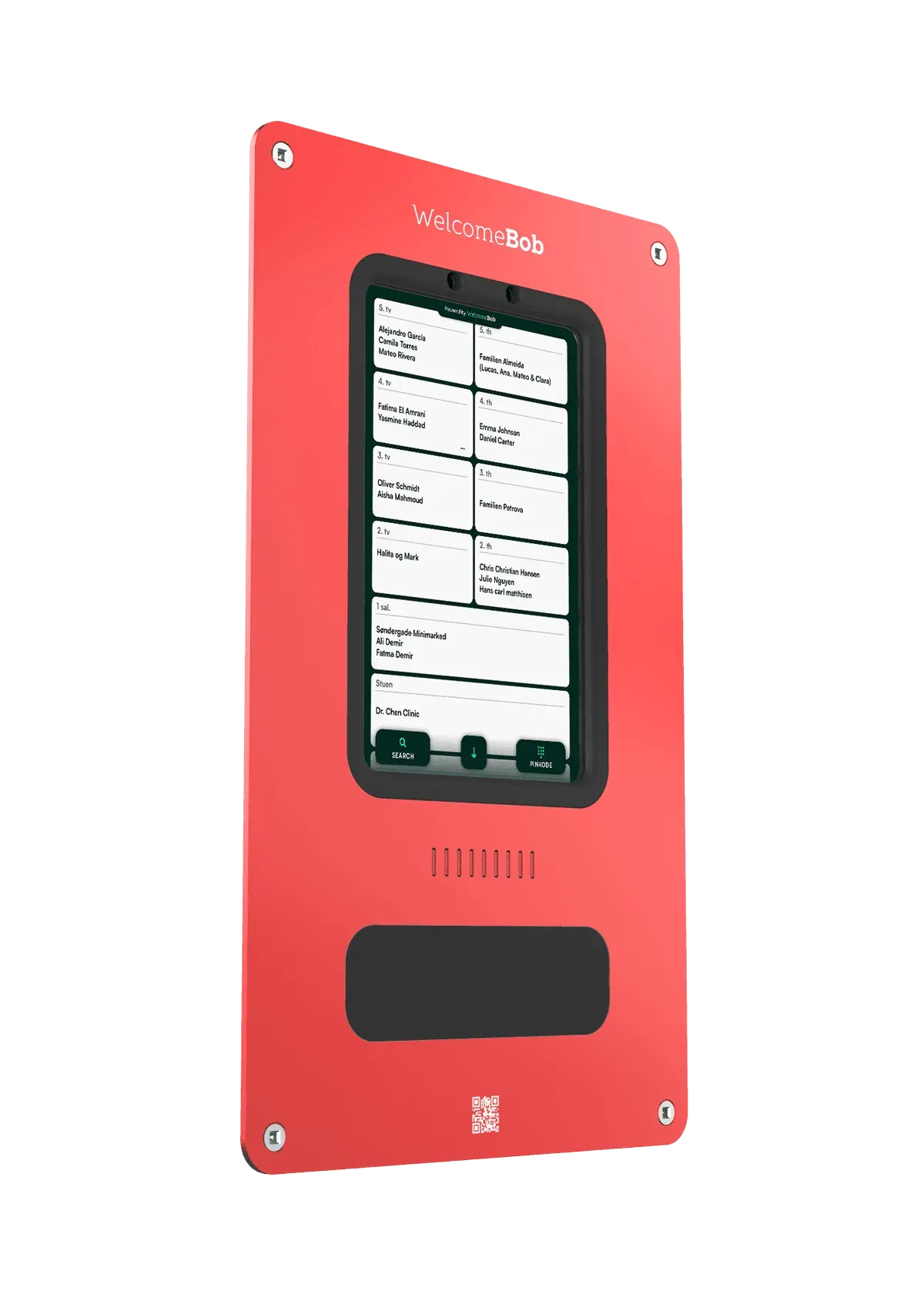
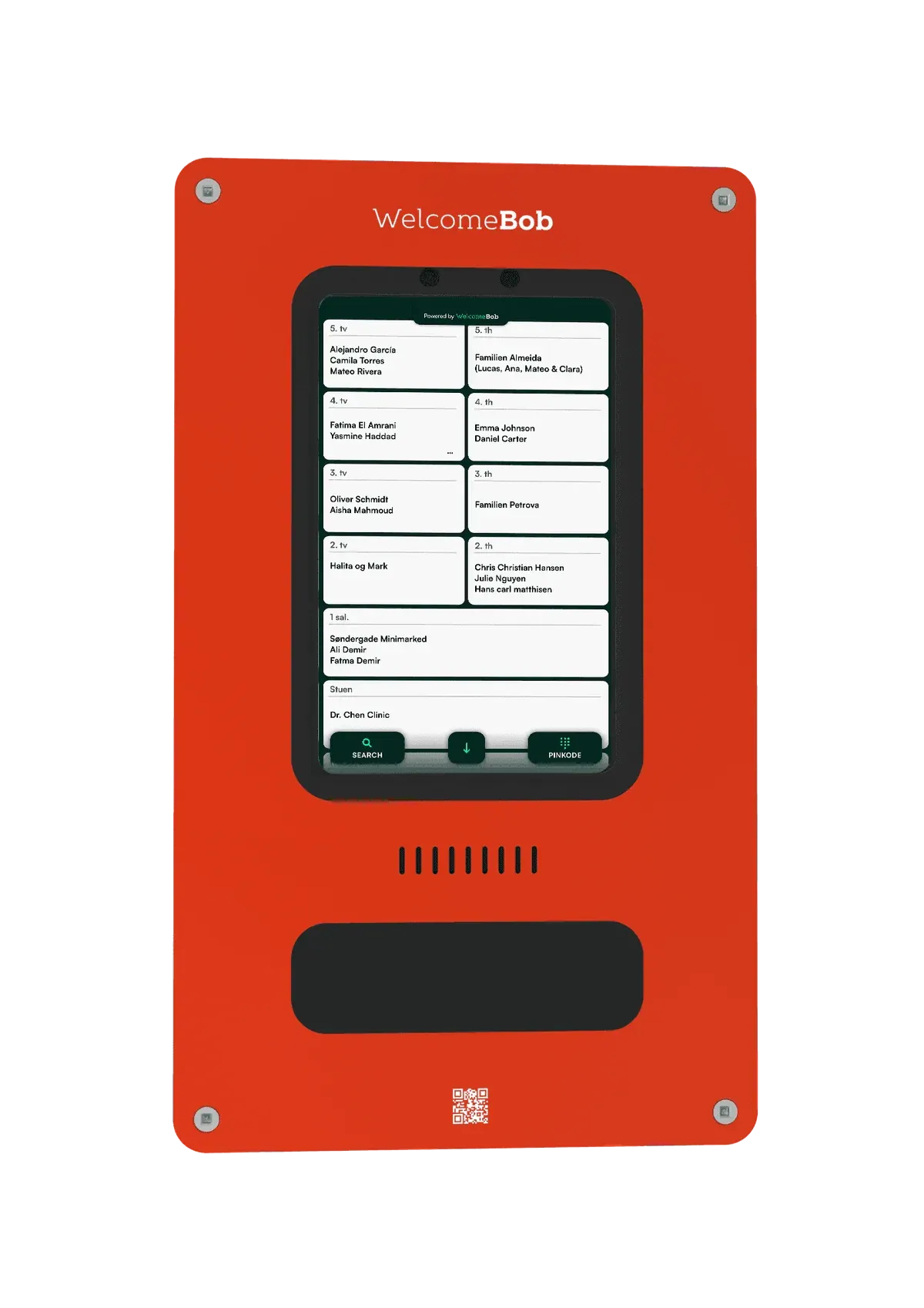
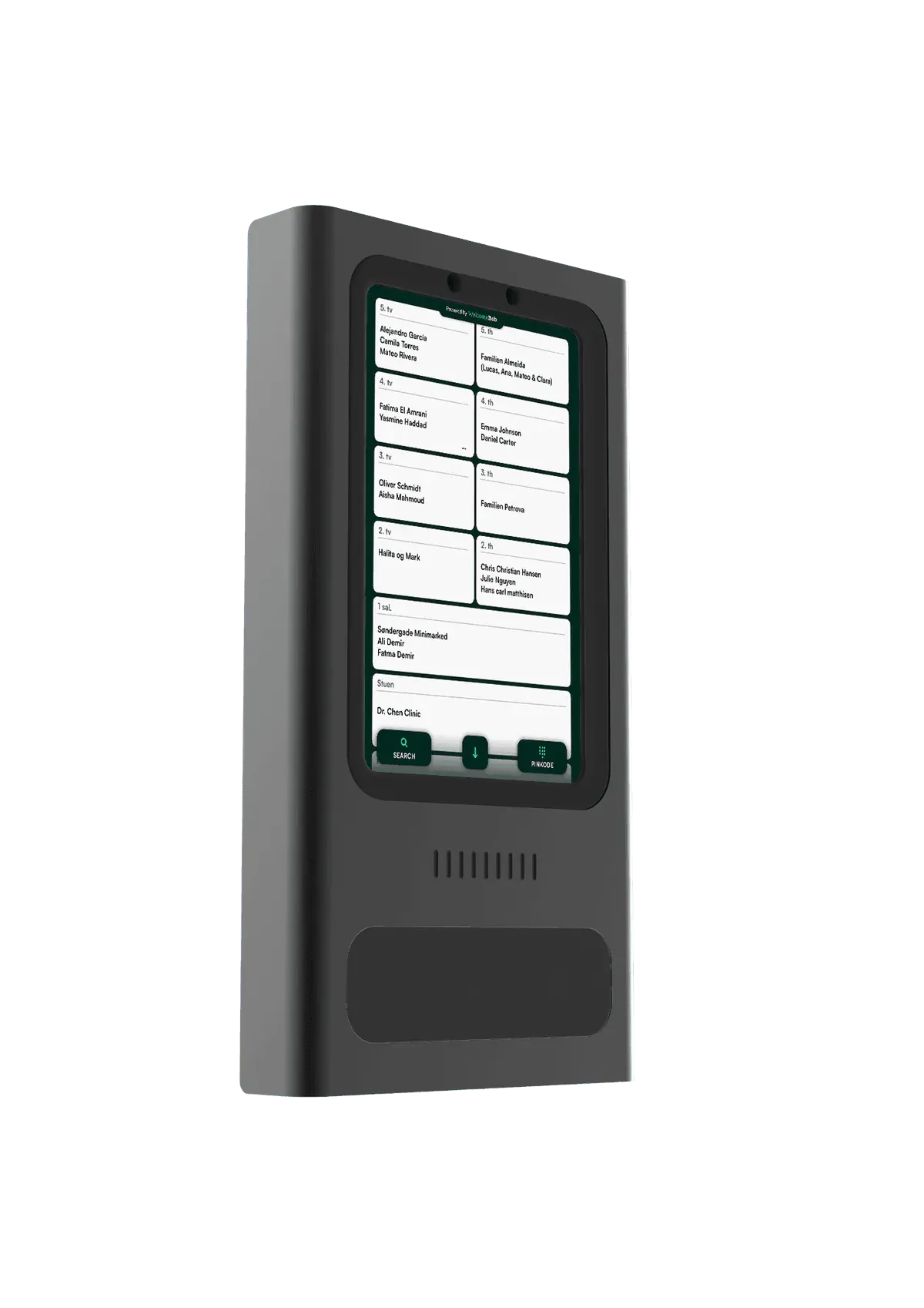
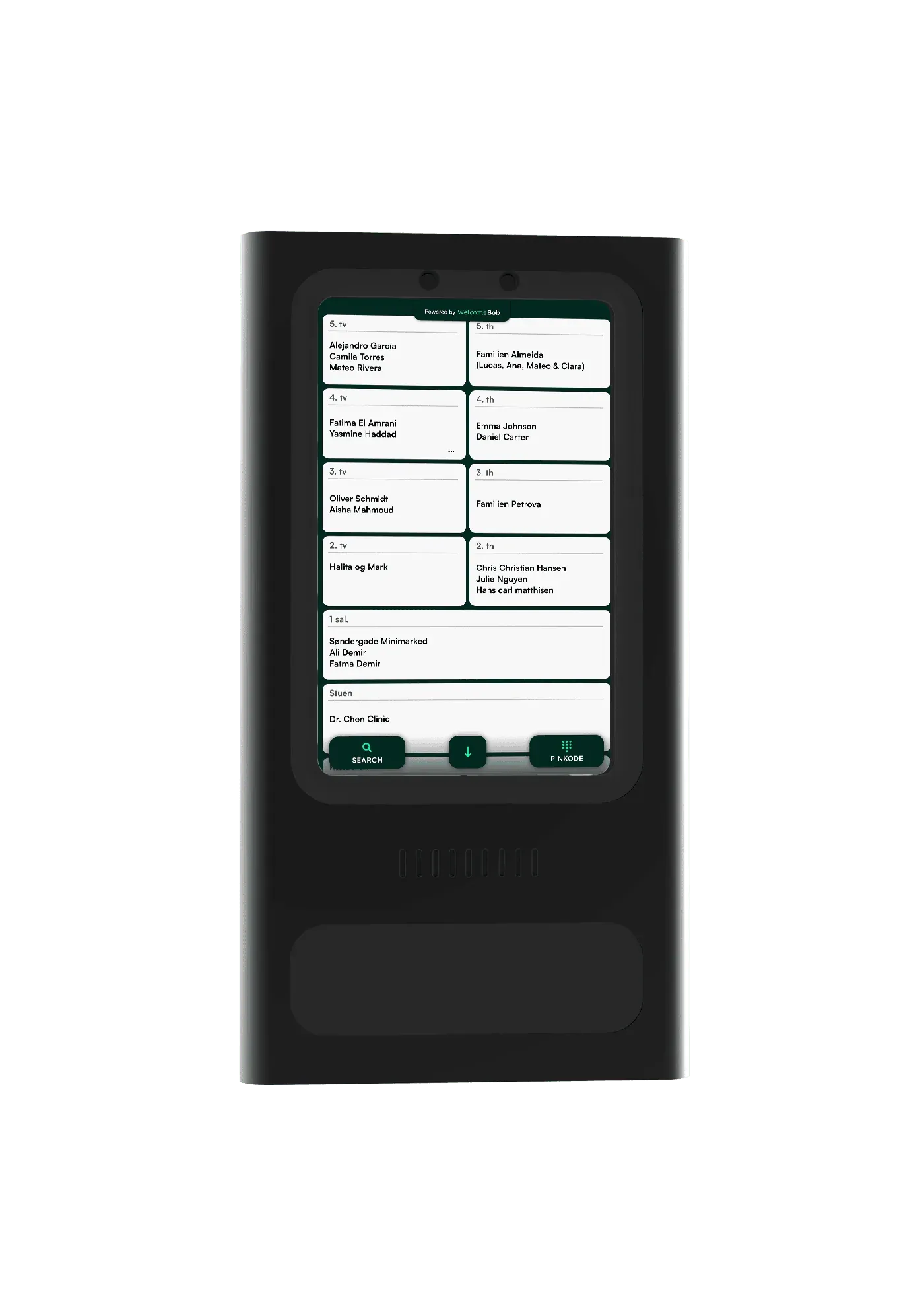
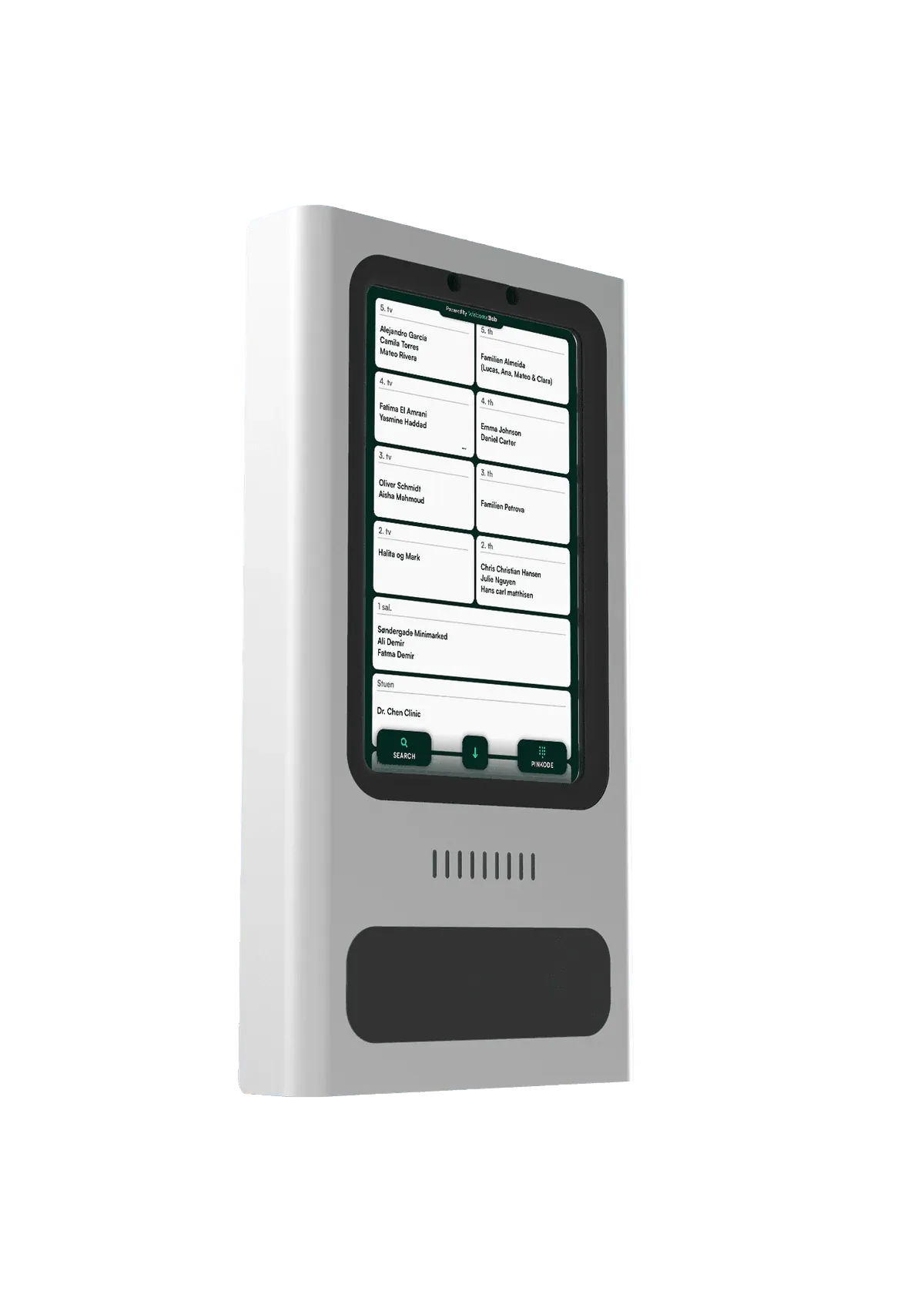
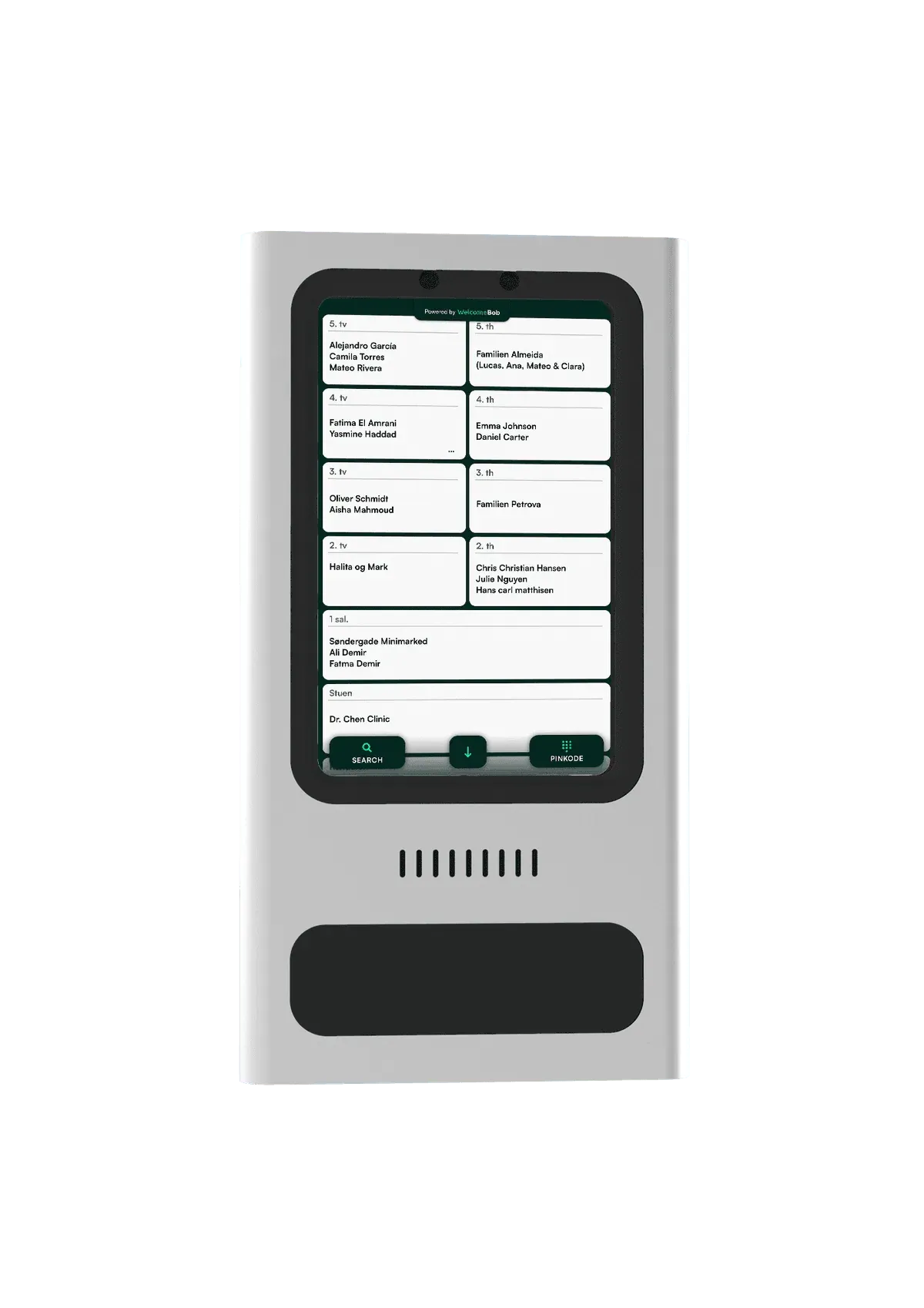
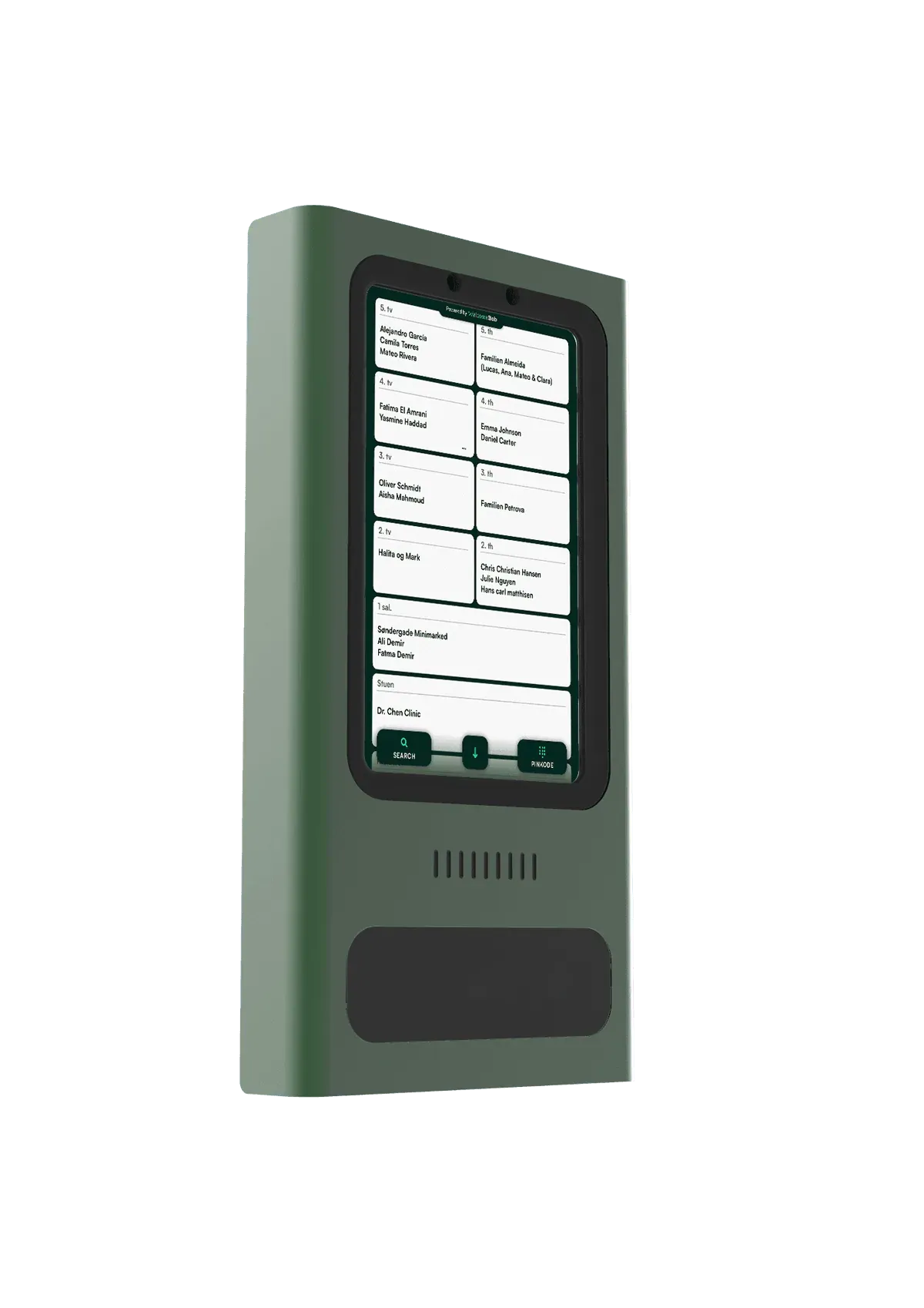
Modern design in two forms
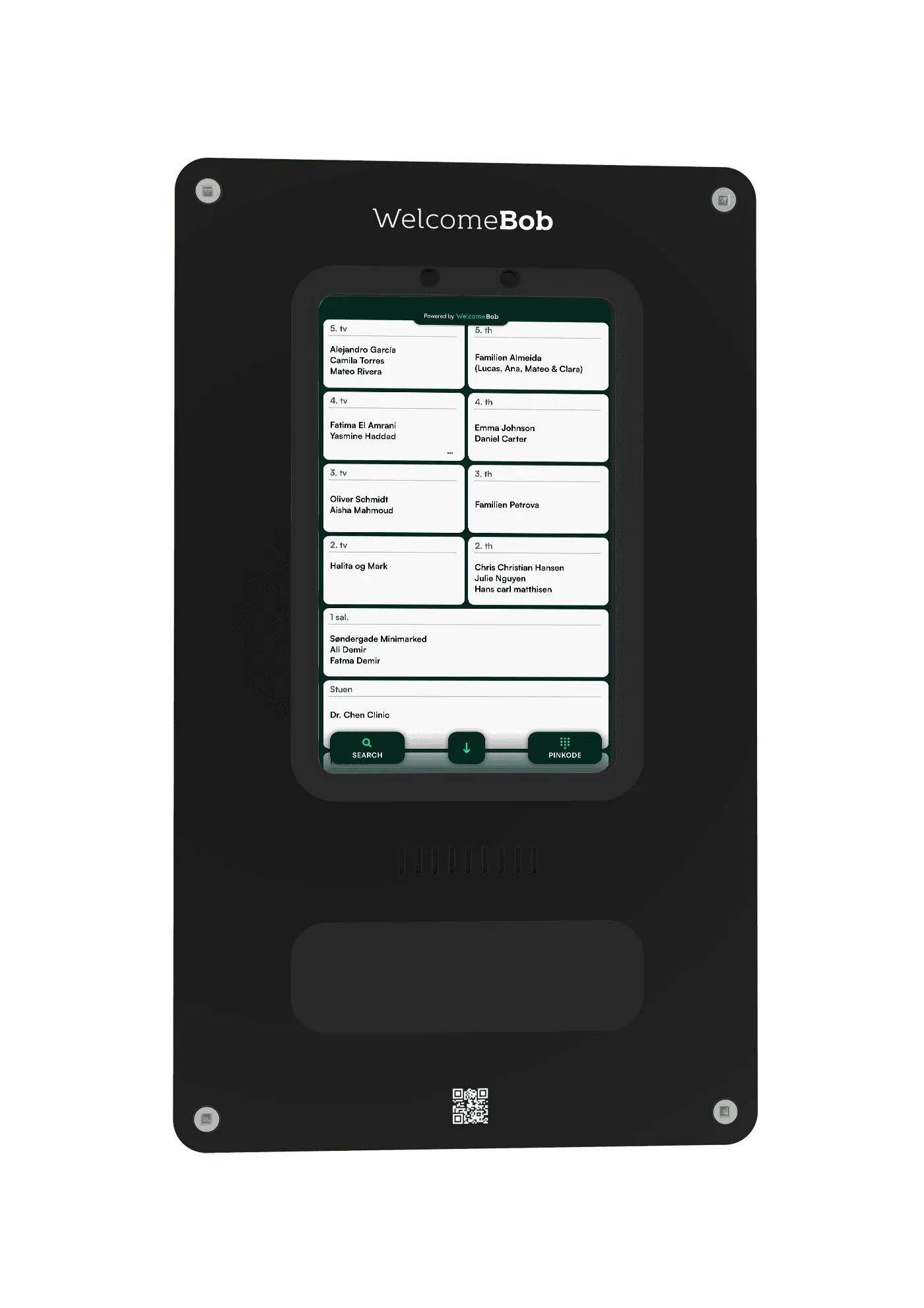
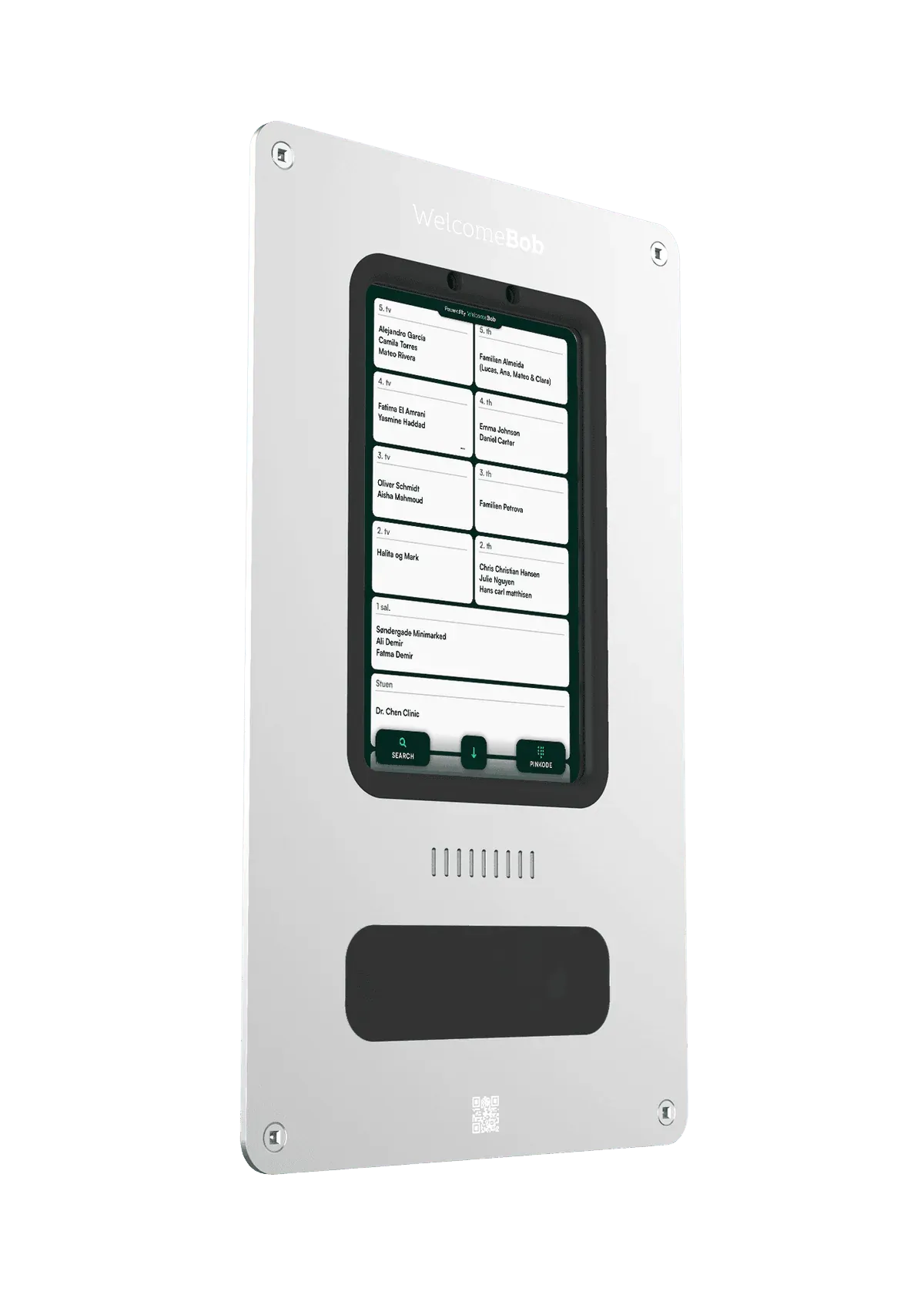
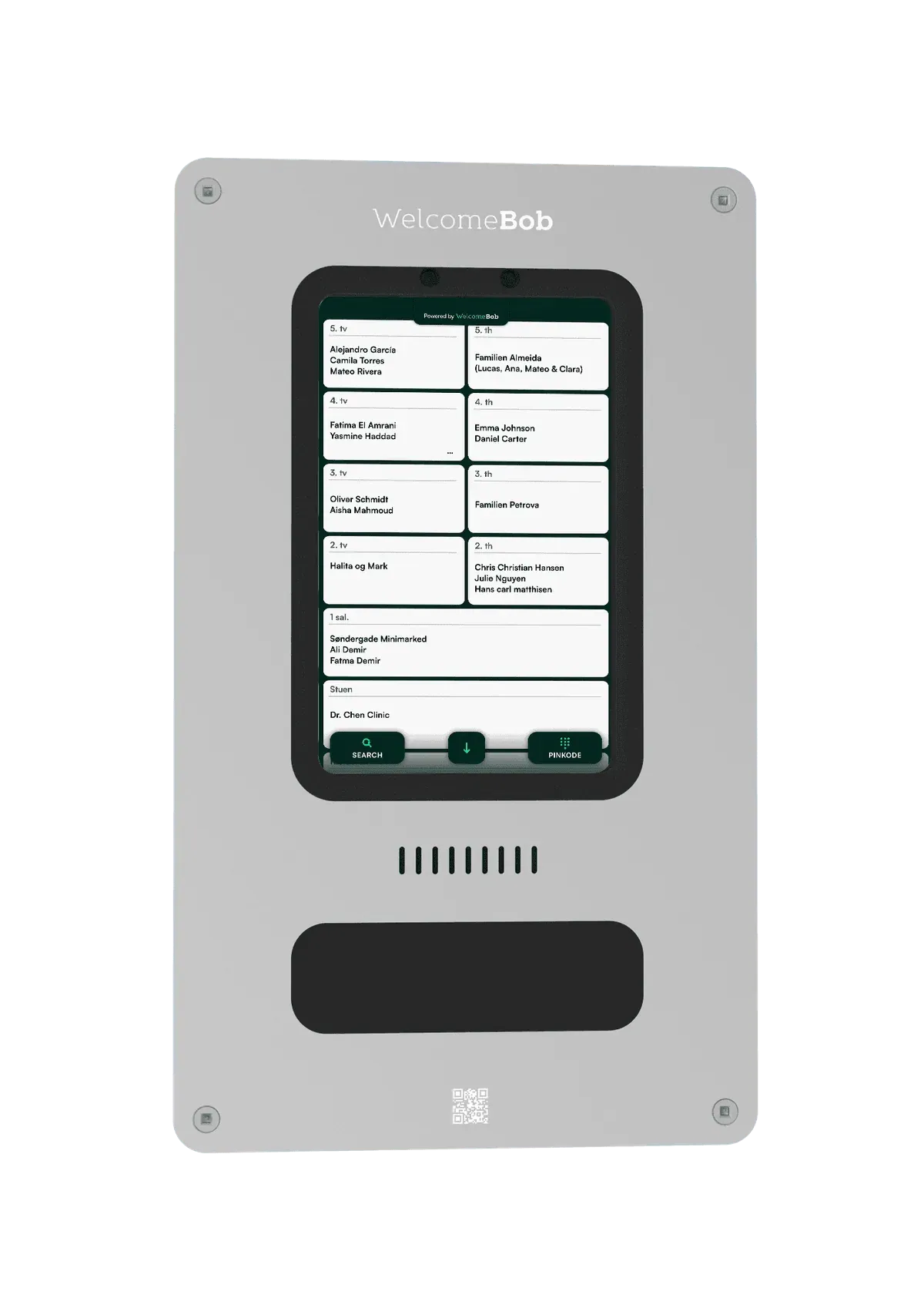
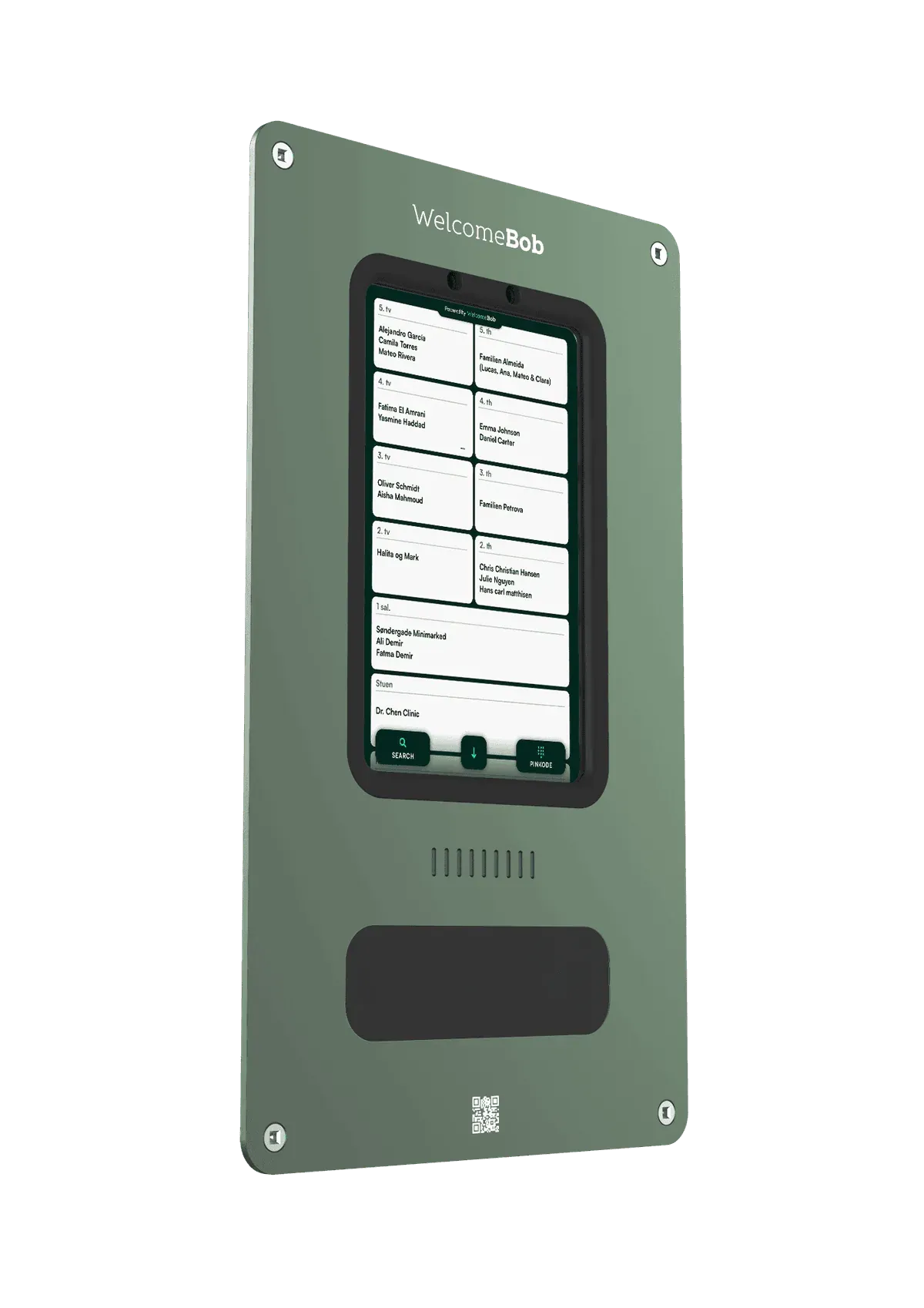
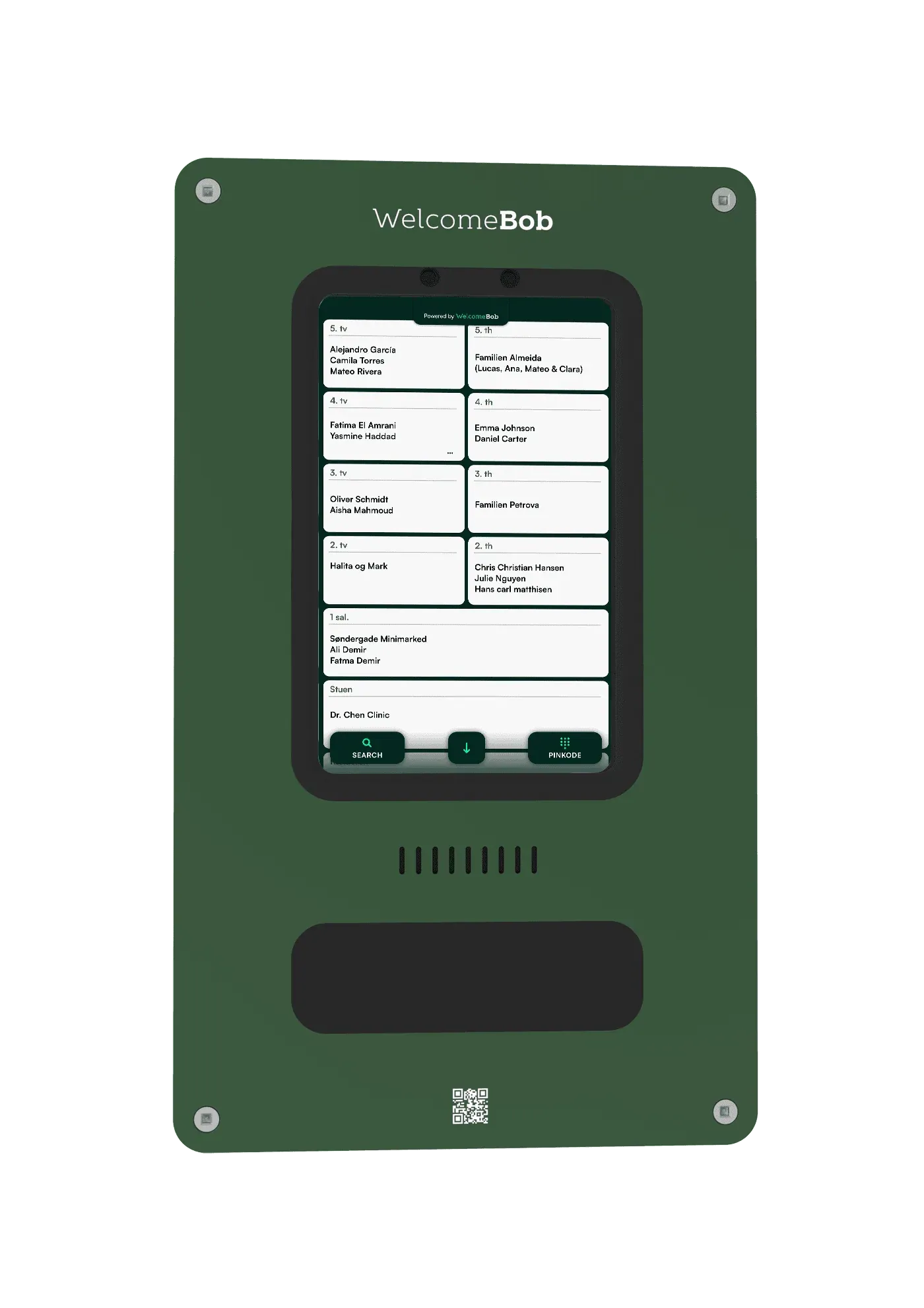
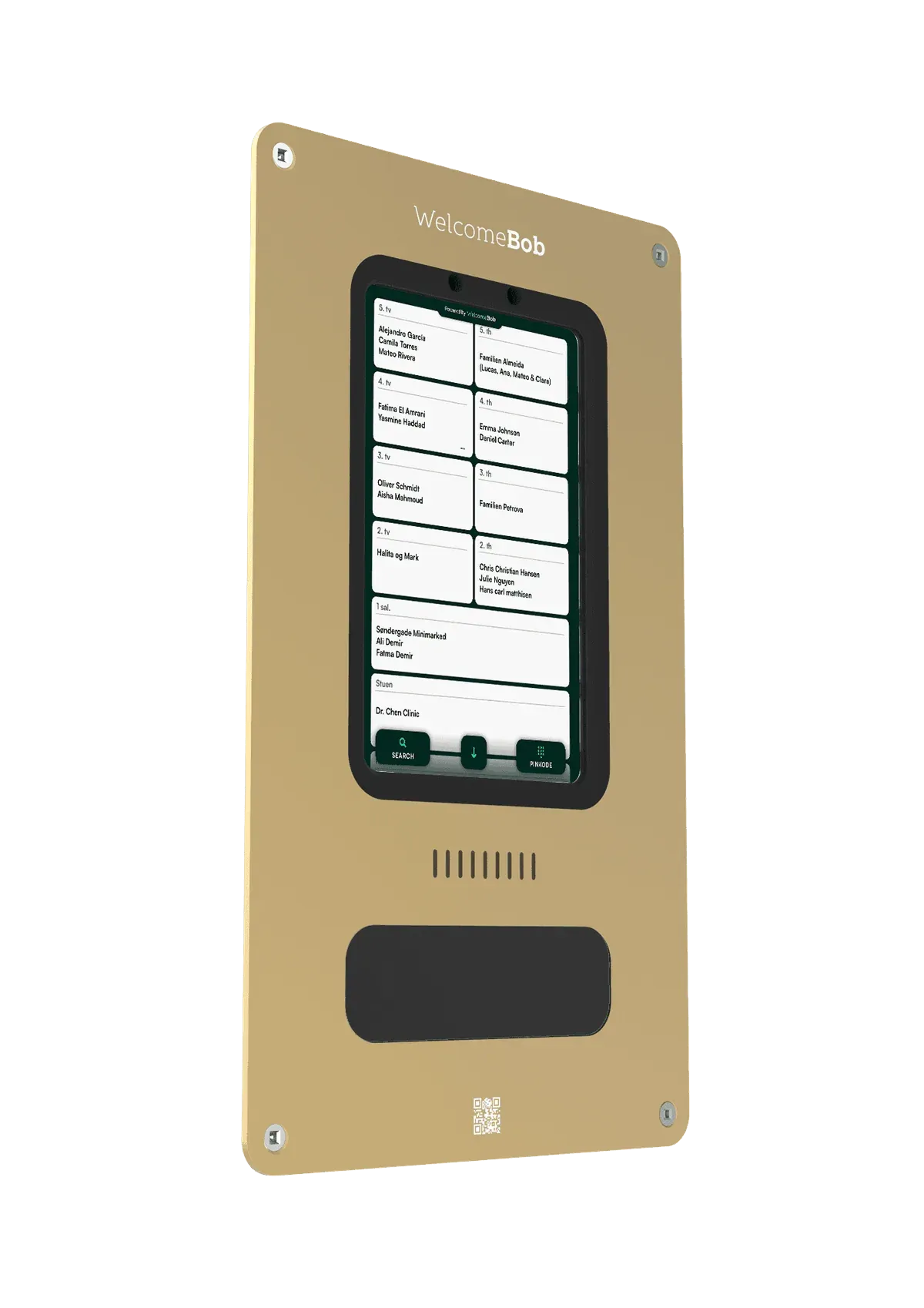
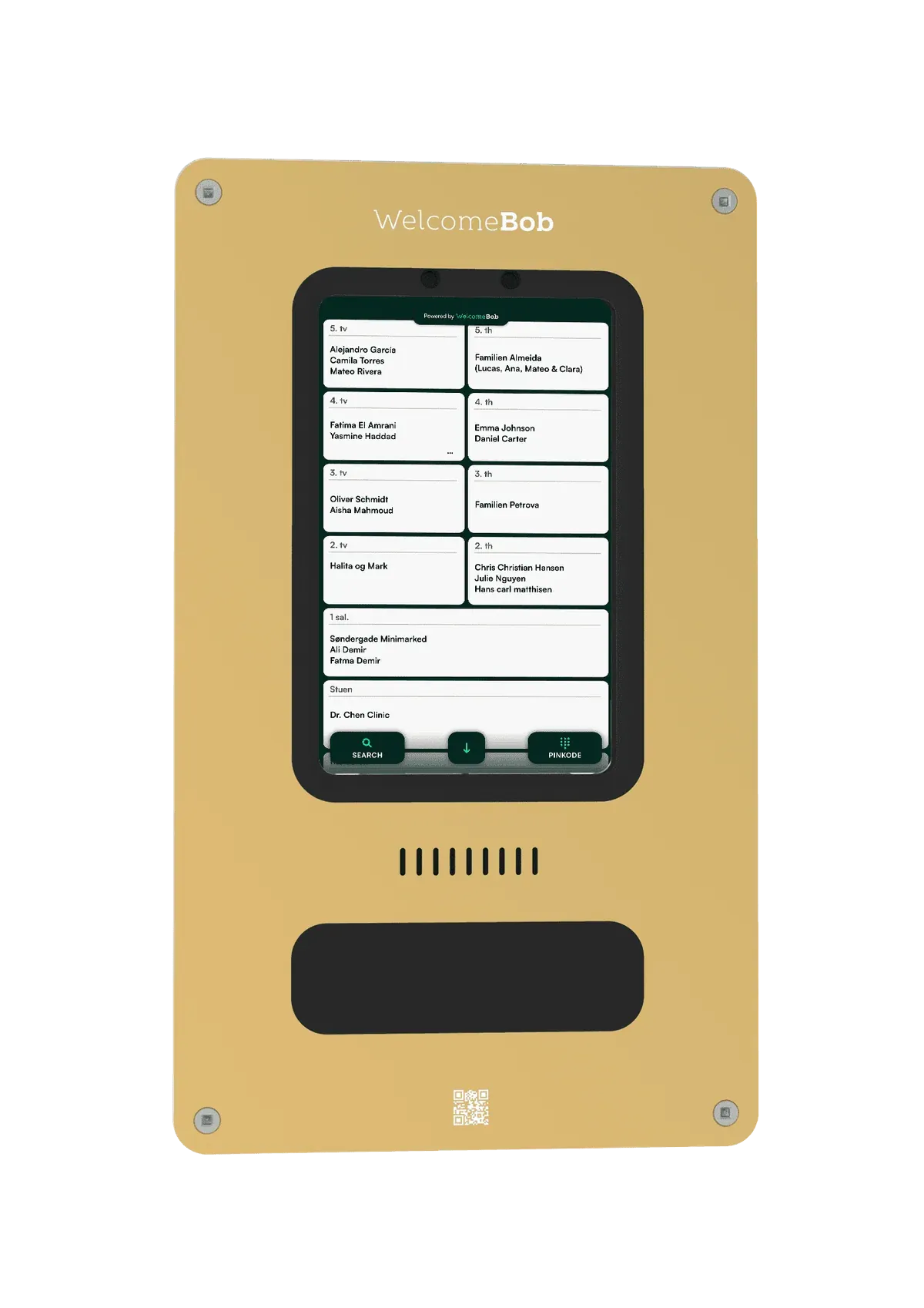
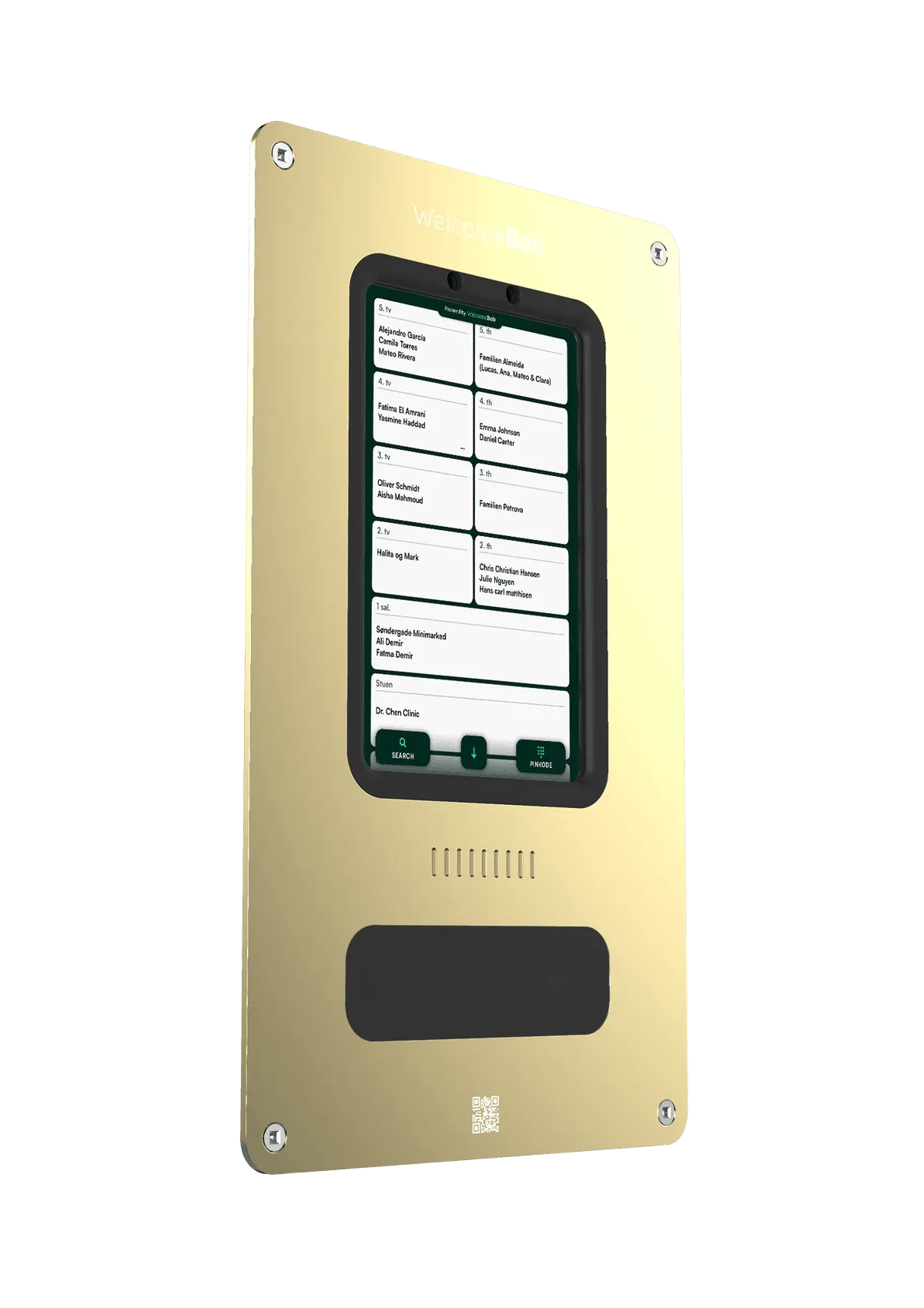
Choose the classic surface model or the flush-mount solution that blends into the facade – both in colours that match your architecture.
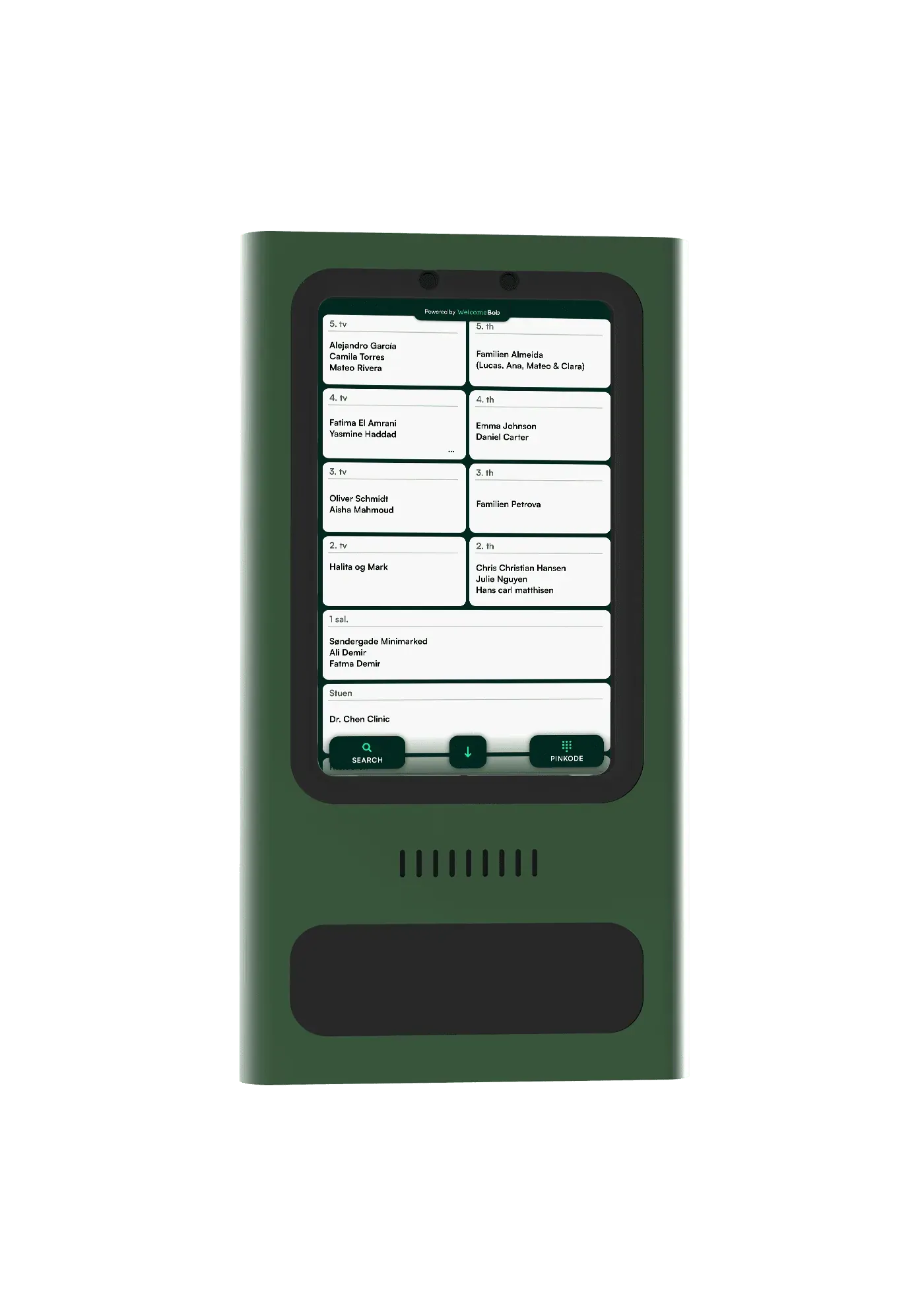
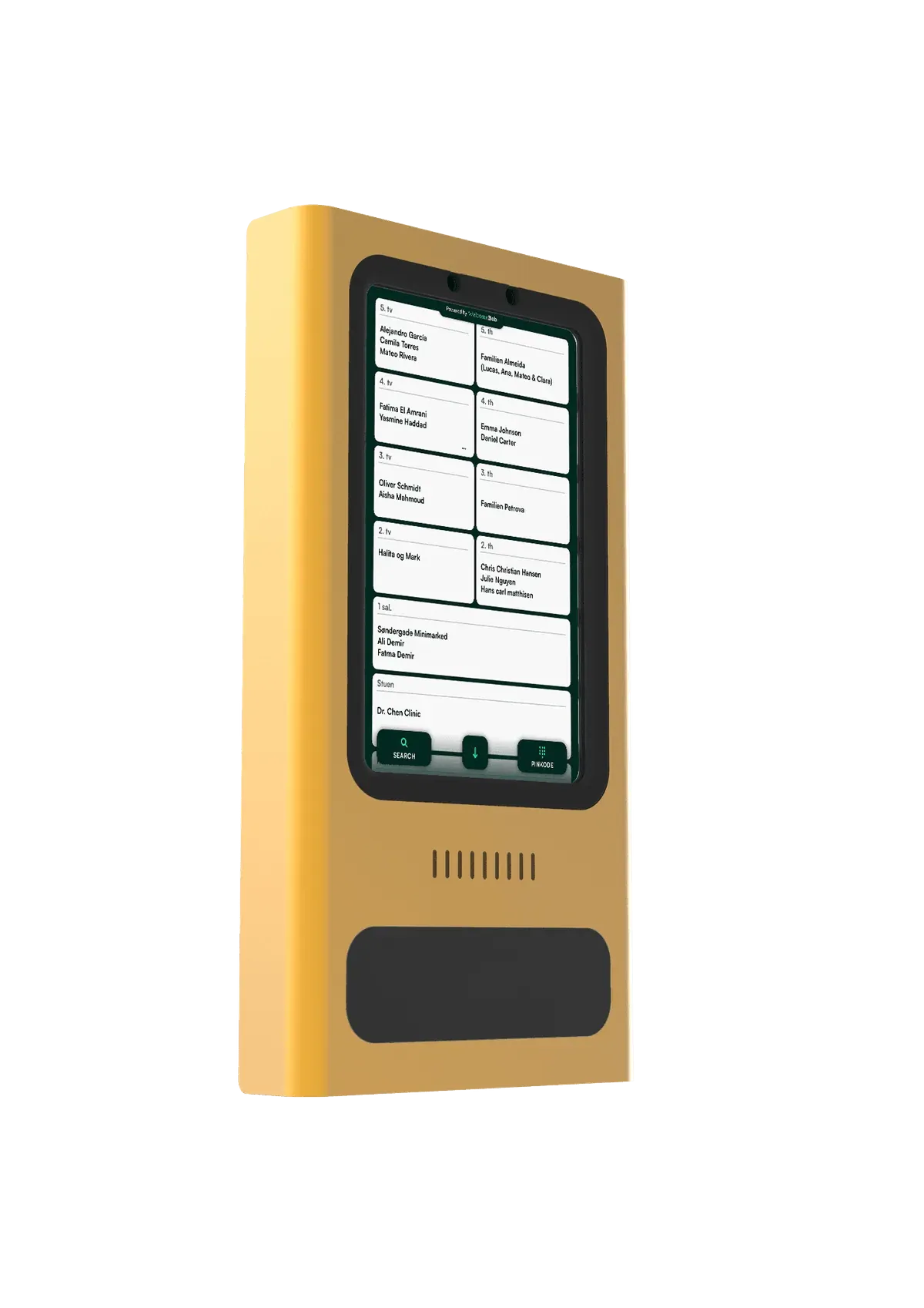
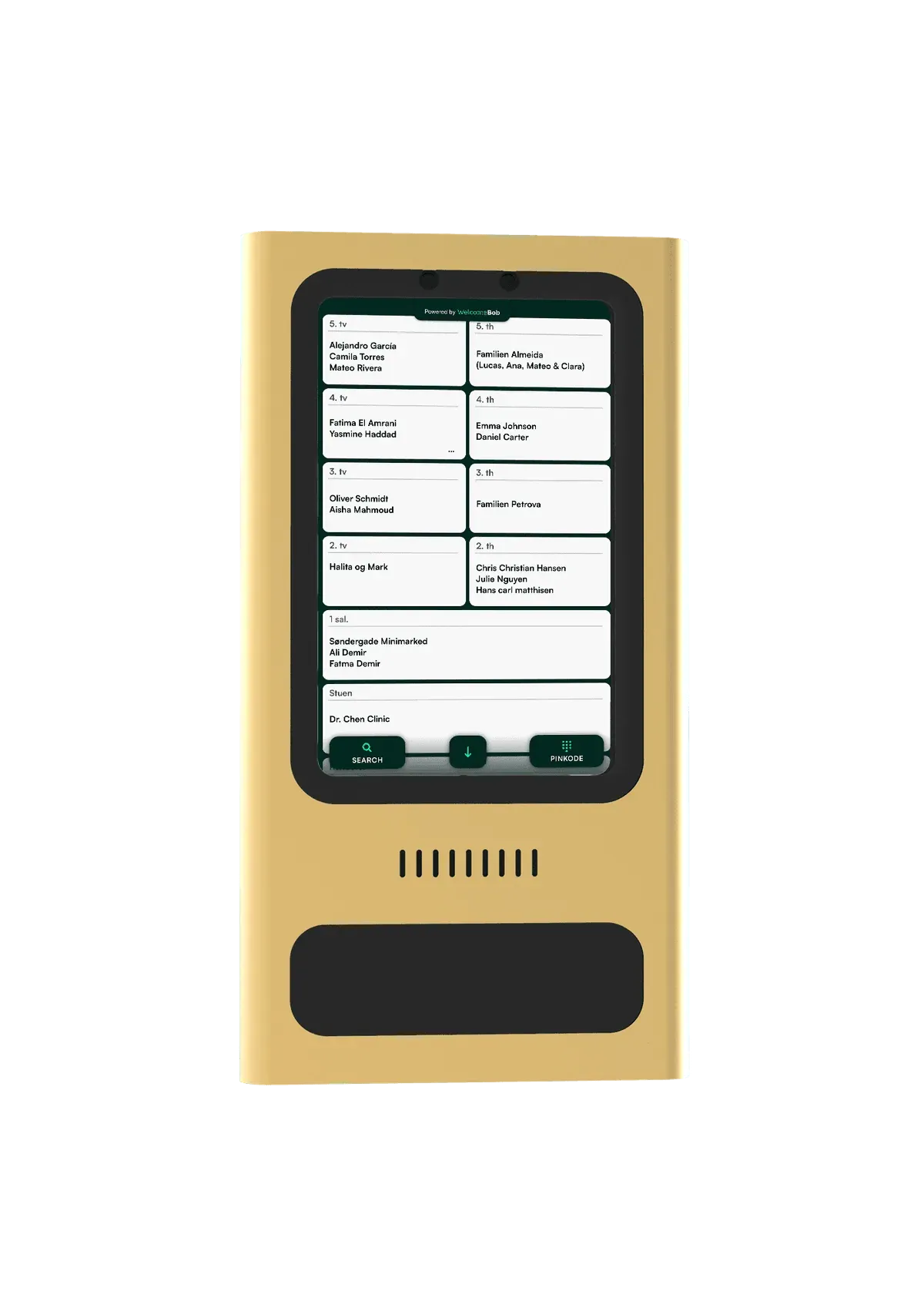
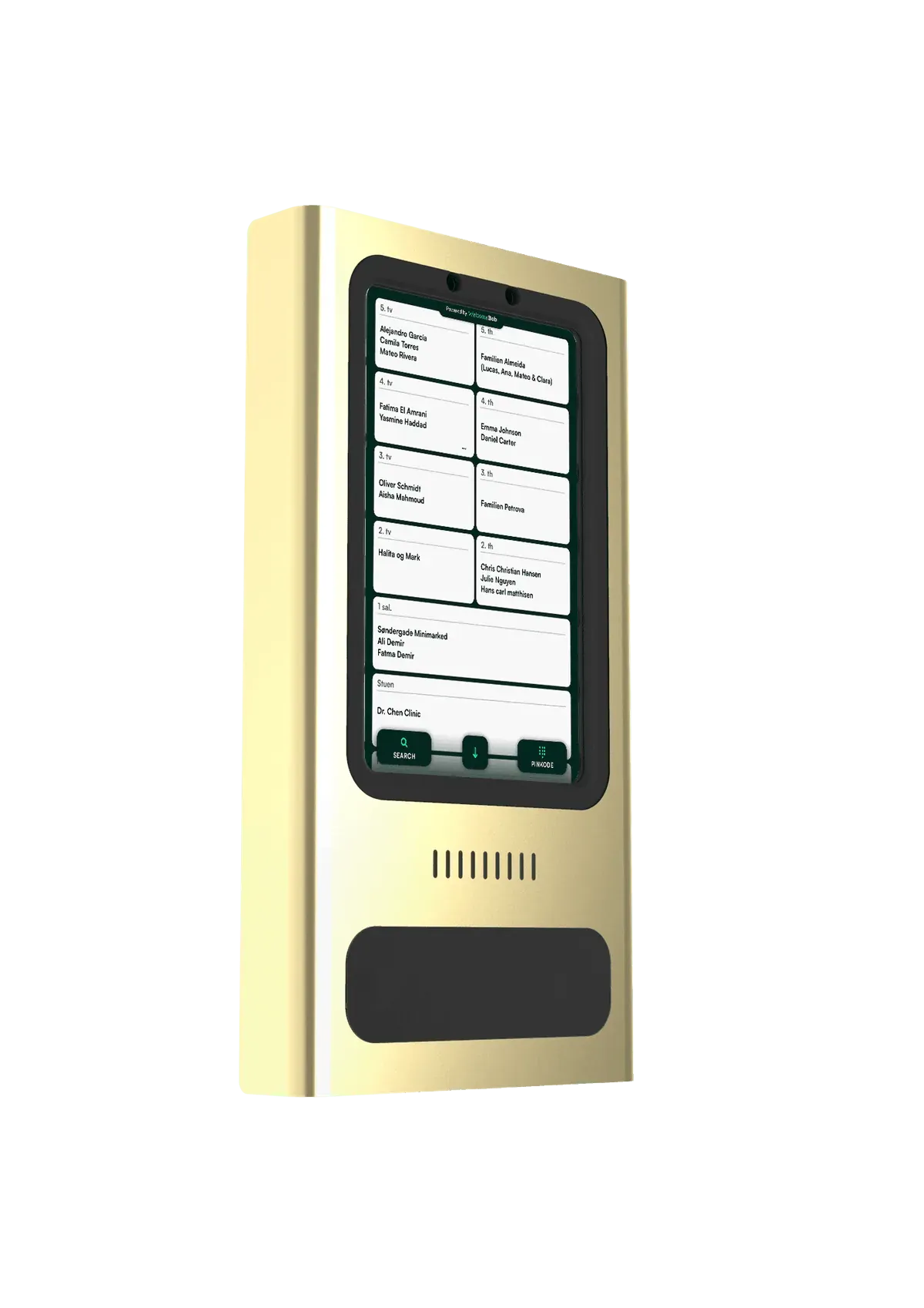
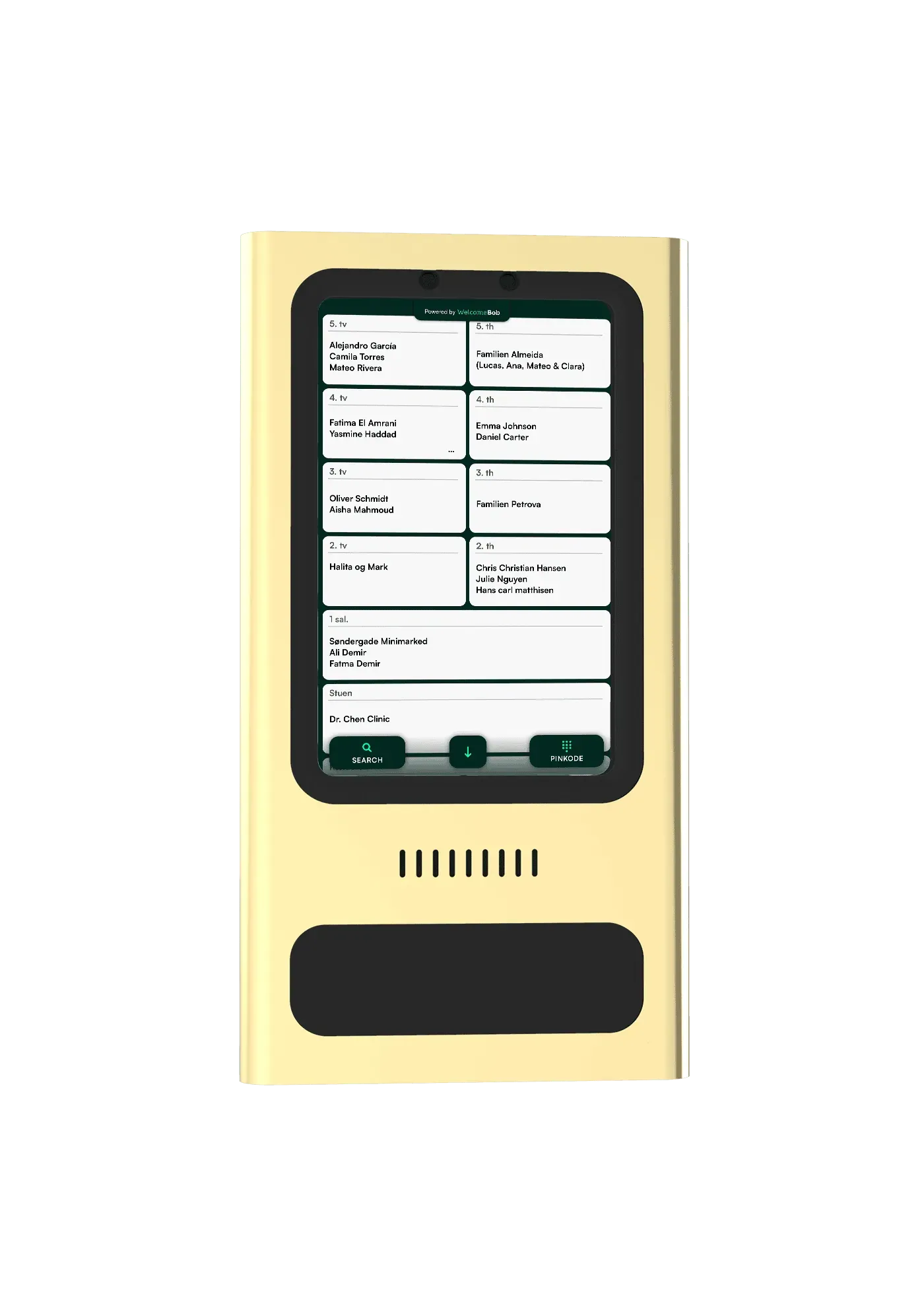
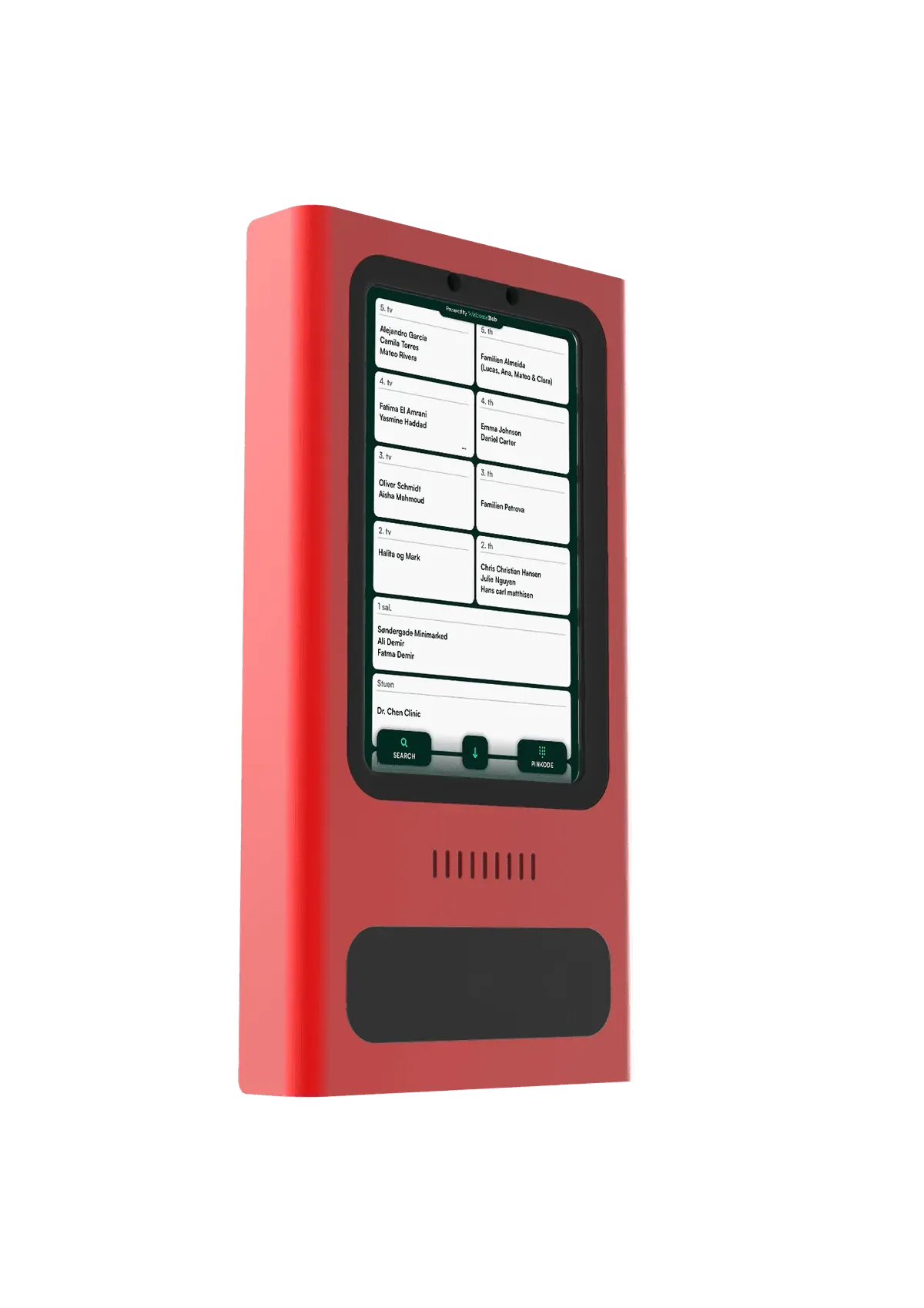
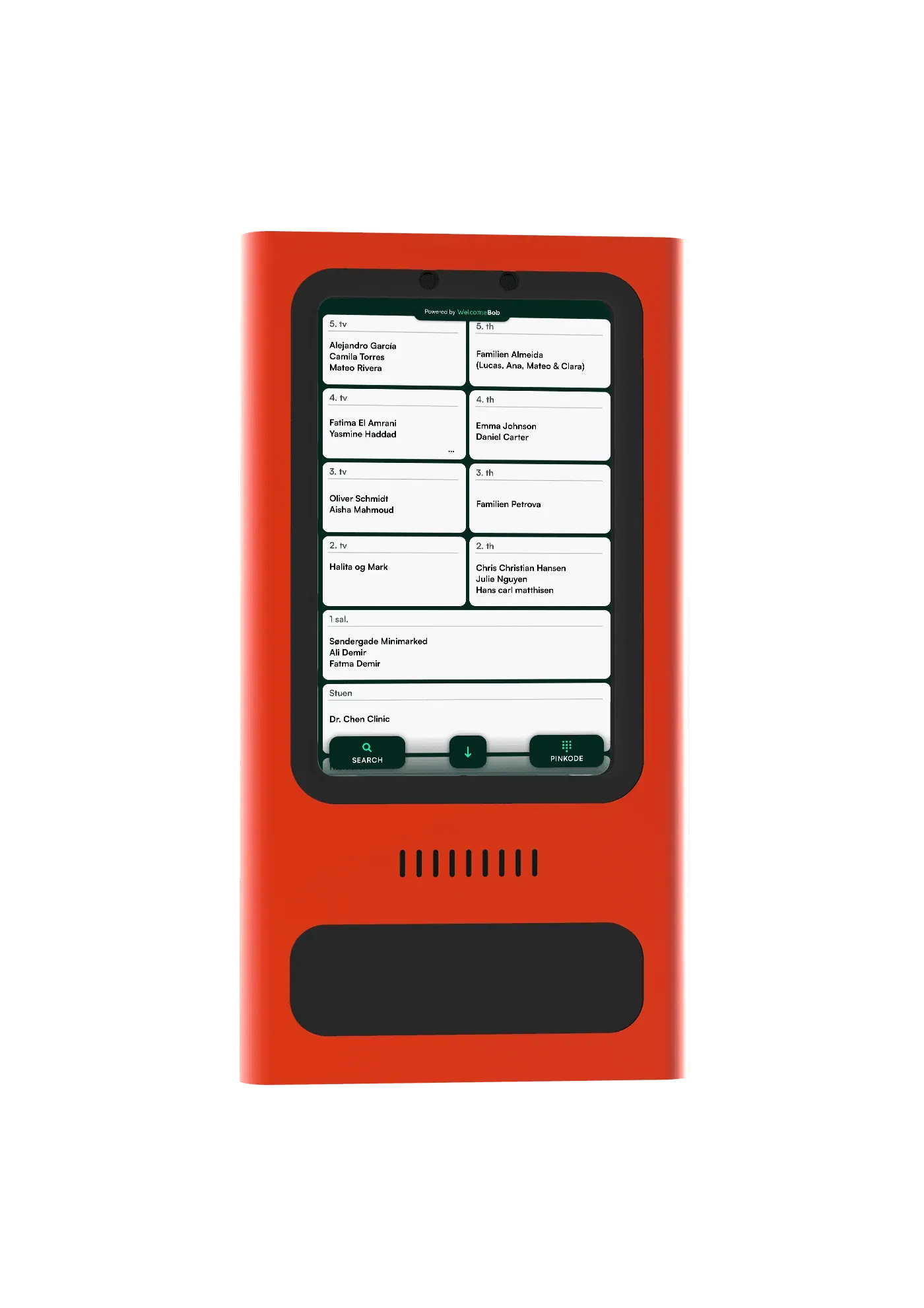
Ready, steady, go
Getting started with WelcomeBob should be simple – there shouldn't be much hassle in replacing the door entry system.
Meet us
We start with a brief walkthrough where we map your property and needs.
Choose solution
Together we pick the right setup, design, features and integrations.
Installation
The panel is mounted at the entrance and connected to power and the electric lock. The schedule depends on the property.
Ready to get started?
Reach out today and we'll find the right solution for your property.
For housing and business
The door entry adapts to your property – whether you are a housing association, a business or a student dorm. See how the solution makes everyday life easier for you.
Housing associations
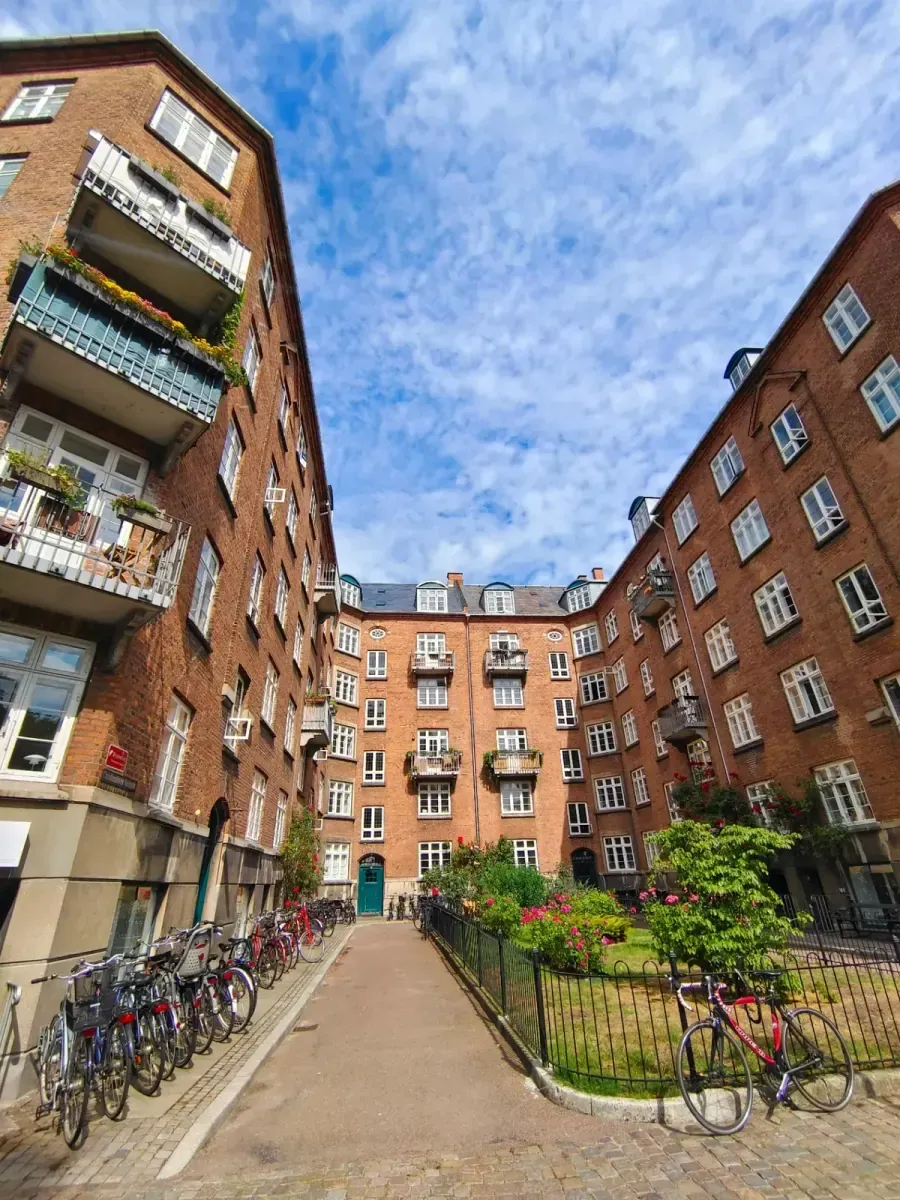
Easy management of residents and guest access without physical admin – and full overview for the board.
See solution for housing associations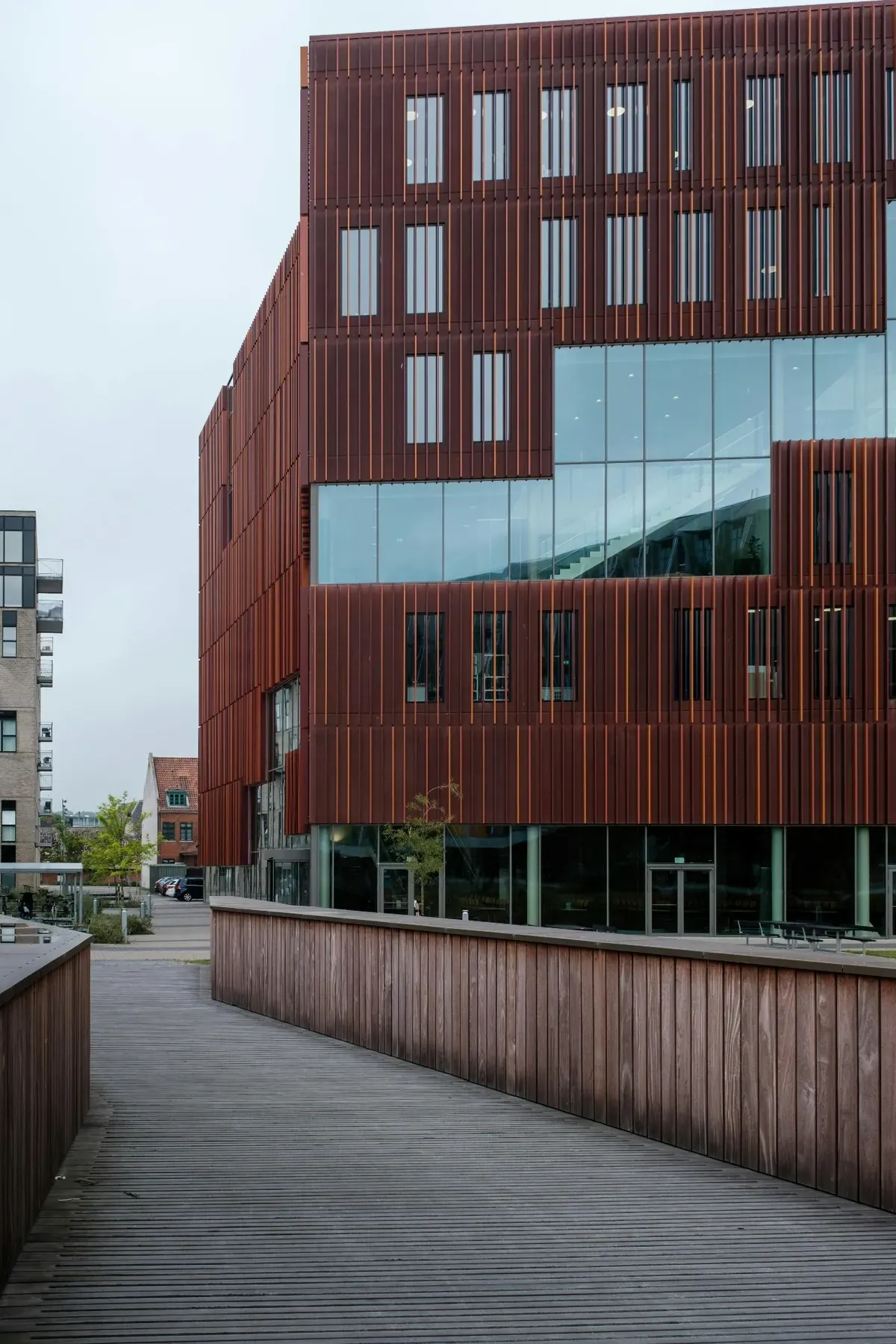
Business
Flexible reception where employees handle visitors directly from their phones.
See solution for business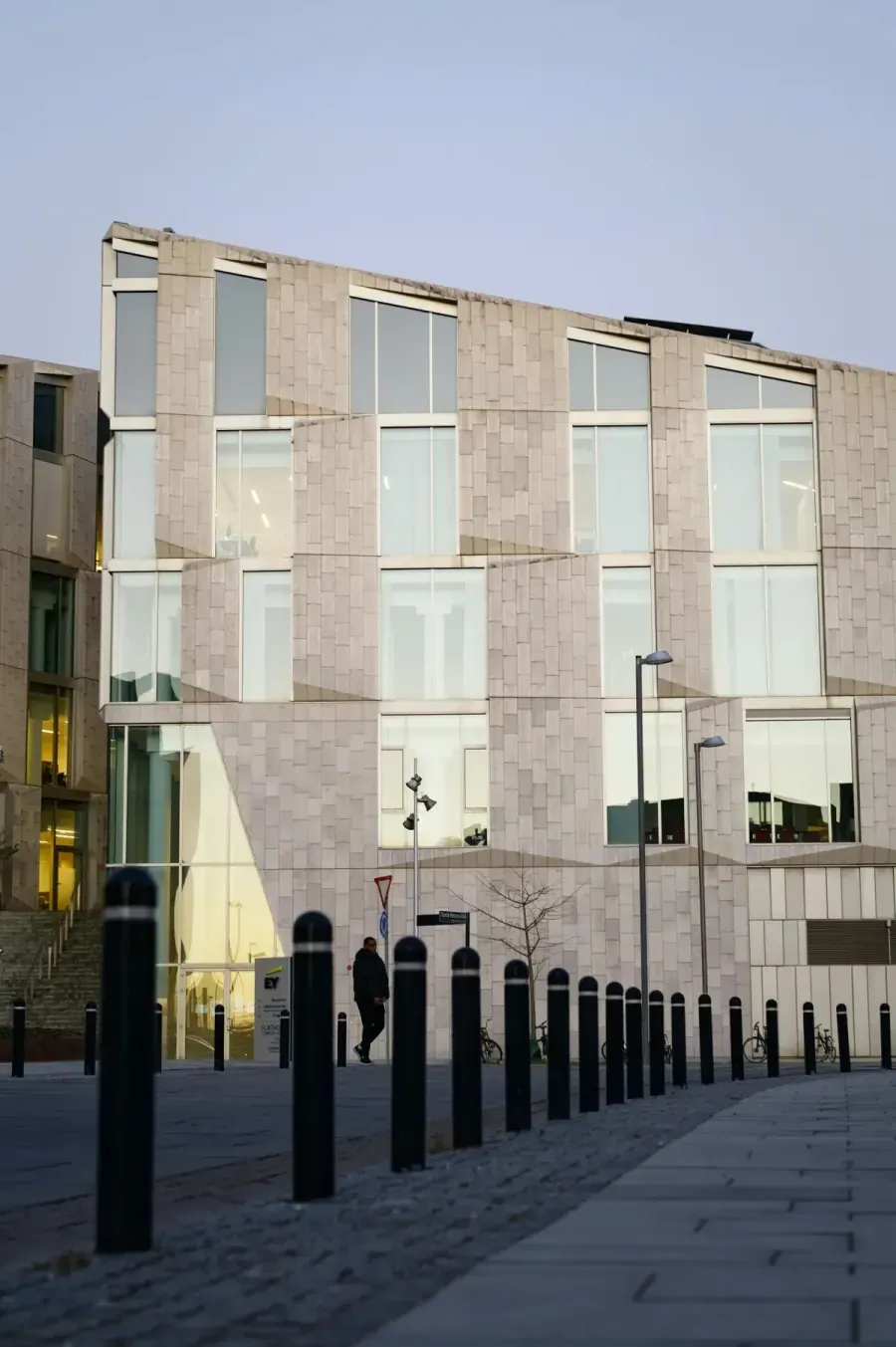
Student dorms
Scalable solution with many users, fast turnover and dynamic access for students.
See solution for student dormsTechnical dimensions
Designed in two Scandinavian proportions
Minimal footprint, clean silhouette, and discreet depth – no matter which model you choose.
Built into the wall
Flush mount
Ultra slim architectural profile – sits flush with the facade at only 3 mm.
Surface mounted
Classic casing
Robust cabinet for mounting without milling – ready for any facade.
Product information and installation requirements
WelcomeBob combines a digital entrance panel, video and two-way audio in the app, and management of users and access. It can replace a traditional intercom system; installation is assessed for the property.
- Entrance connection
- Built-in 4G/5G; mobile connectivity is assessed at the installation site.
- Power supply
- 12 V power supply.
- Lock connection
- Connection to an electric lock; the existing lock and wiring are assessed by the installer.
- Residents’ phones
- WelcomeBob app for iOS and Android; Wi-Fi or mobile data is required for calls and opening.
- Video and audio
- Video and two-way audio during calls; no continuous video recording.
- Administration
- Users, name list and access rights in the admin panel.
Wireless door intercom in practice
What does wireless actually mean here?
Wireless covers two things that often get conflated. The first is the connection out of the building: the panel runs on 4G/5G and is therefore independent of the building's network, so there is no wifi to set up and no internet to bring to the front door. The second — the one that decides the price — is that no signal cabling runs from the panel up to the apartments. The resident side lives in an app on the resident's own phone, so there is neither a cable nor an answering unit inside the individual home. That is the difference between a system that has to be routed through the whole building and one that is mounted at the door.
Why shouldn't the old cabling be repaired?
In an analogue intercom the value sits in the cabling — and so do the faults. When an older system starts failing, the time goes on working out where in the building the break is, and spare parts for the old exchanges can be hard to find. Because WelcomeBob doesn't use that cabling, nobody has to troubleshoot it. The standard installation therefore normally does not require access to the individual apartments.
What needs to be in place at the door?
Power to the panel (12 V) and a door lock that can be released electrically. Those are the two things that should be settled before the installer arrives, and the schedule depends on the property. The rest is administration that can be prepared in advance: the resident list, who needs access, and whether codes should be created for couriers, cleaning and the caretaker.
What happens if power or connectivity drops?
How access is handled during a power or connection outage depends on the building's lock and setup, and is clarified before installation. Updates arrive over the cloud, so the system doesn't need a technician on site to stay current, and support can see its status without travelling out.
Questions?
What is door entry?
How does a digital door entry work?
Can the door be opened from a phone?
How long does installation take?
Does it require cabling?
Is the connection stable?
What does a wireless door intercom cost for a whole building?
Is the camera recording continuously?
What happens when a resident moves out?
What about residents without a smartphone?
Can several entrances run on the same system?
Access starts here